


The ASUS ROG Xbox Ally was introduced alongside the more powerful Xbox Series X to provide gamers with a more affordable alternative.
While they look the same, the non-X variant is actually Php20,000 cheaper. Making us wonder how inferior it really is to its bigger brother.
In our ASUS ROG Xbox Ally review, we’ll see if it’s worth your money or if you’re better off spending more for the ROG Ally X. Let’s start.
ASUS ROG Xbox Ally Specs
- Windows 11 Home
- 7-inch FHD IPS display
- 500-nit peak brightness, 16:9 aspect ratio
- 120Hz refresh rate, FreeSync Premium
- Corning Gorilla Glass Victus, Corning DXC Anti-Reflection
- AMD Ryzen AI Z2 A processor
- 16GB LPDDR5X RAM, 6400MHz
- 512GB M.2 SSD 2280
- WiFi 6E
- Bluetooth 5.4
- ABXY buttons, D-pad, L&R bumpers, Xbox button, View button, Menu button, Command Center button, Library button, 2x assignable back buttons, 2x full-size analog sticks, HD haptics, 6-Axis IMU
- 2x USB-C 3.2 Gen 2 (DisplayPort 2.1, Power Delivery 3.0)
- UHS-II card reader
- 3.5mm headphone combo jack
- Dimensions: 290.8 x 121.5 x 50.7mm
- Weight: 670g
- 60Wh battery, 65W USB-C charger
Design and Build Quality
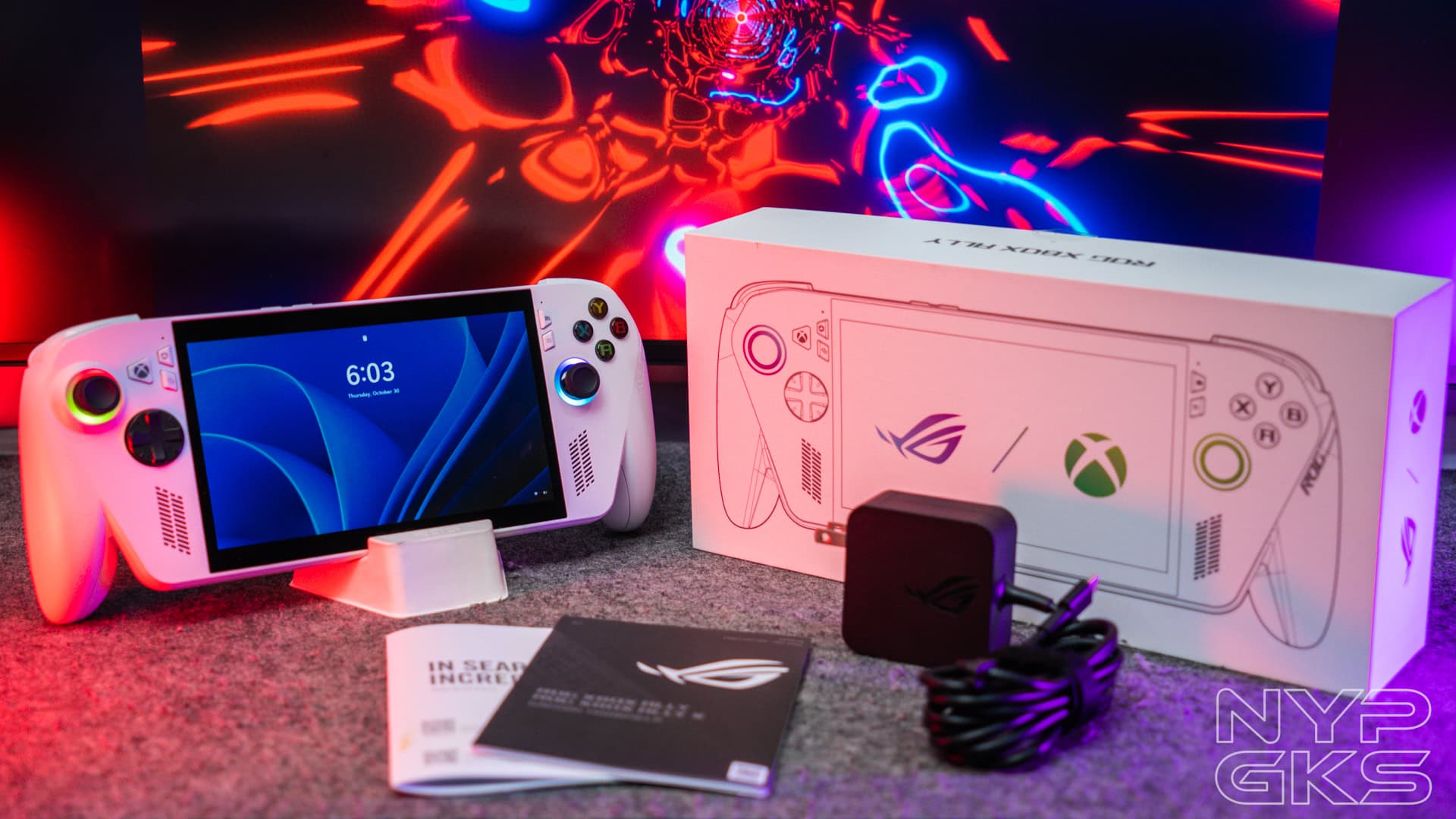
As with most handheld consoles, the ROG Xbox Ally is made of plastic to keep the weight down. Nonetheless, it feels light and sturdy. Plus, the chunky, textured, contoured grips are very ergonomic for hours of playing.
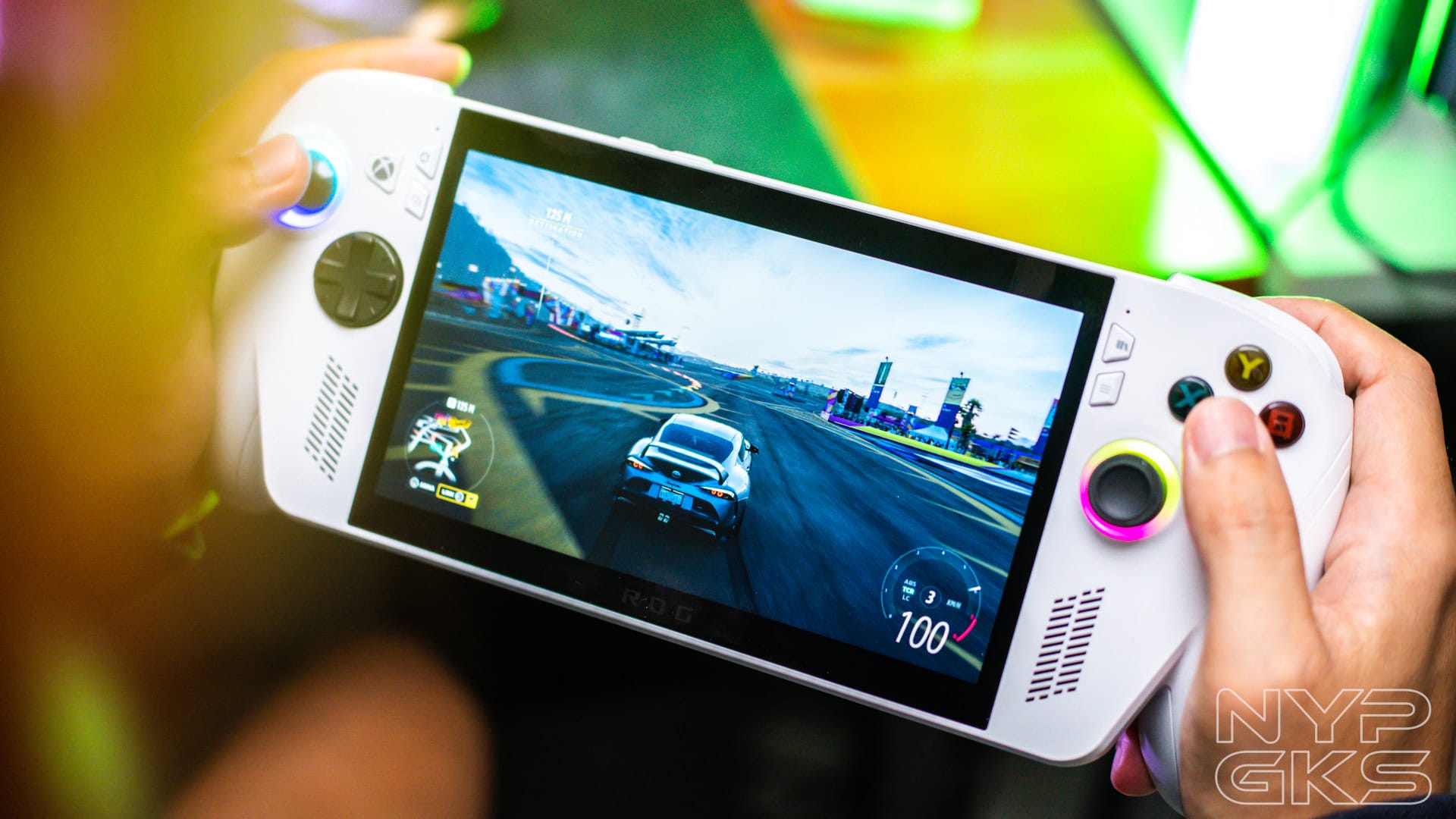
You can easily tell the Xbox Ally and Xbox Ally X apart by their colors. The Ally is only available in White, while the Ally X comes in Black.
Personally, we think the black looks better. Apart from its more serious look, it stays clean longer. The white one looks more elegant, but it does attract dirt easier. Nothing too alarming, though, as you can easily wipe it off from time to time.

Overall, the ROG Xbox Ally series is one of the most well-designed, attractive, and comfortable handheld gaming consoles around. It might look too big at first, but once you get used to it, it feels like the perfect handheld size. Being lightweight probably adds to that, too.

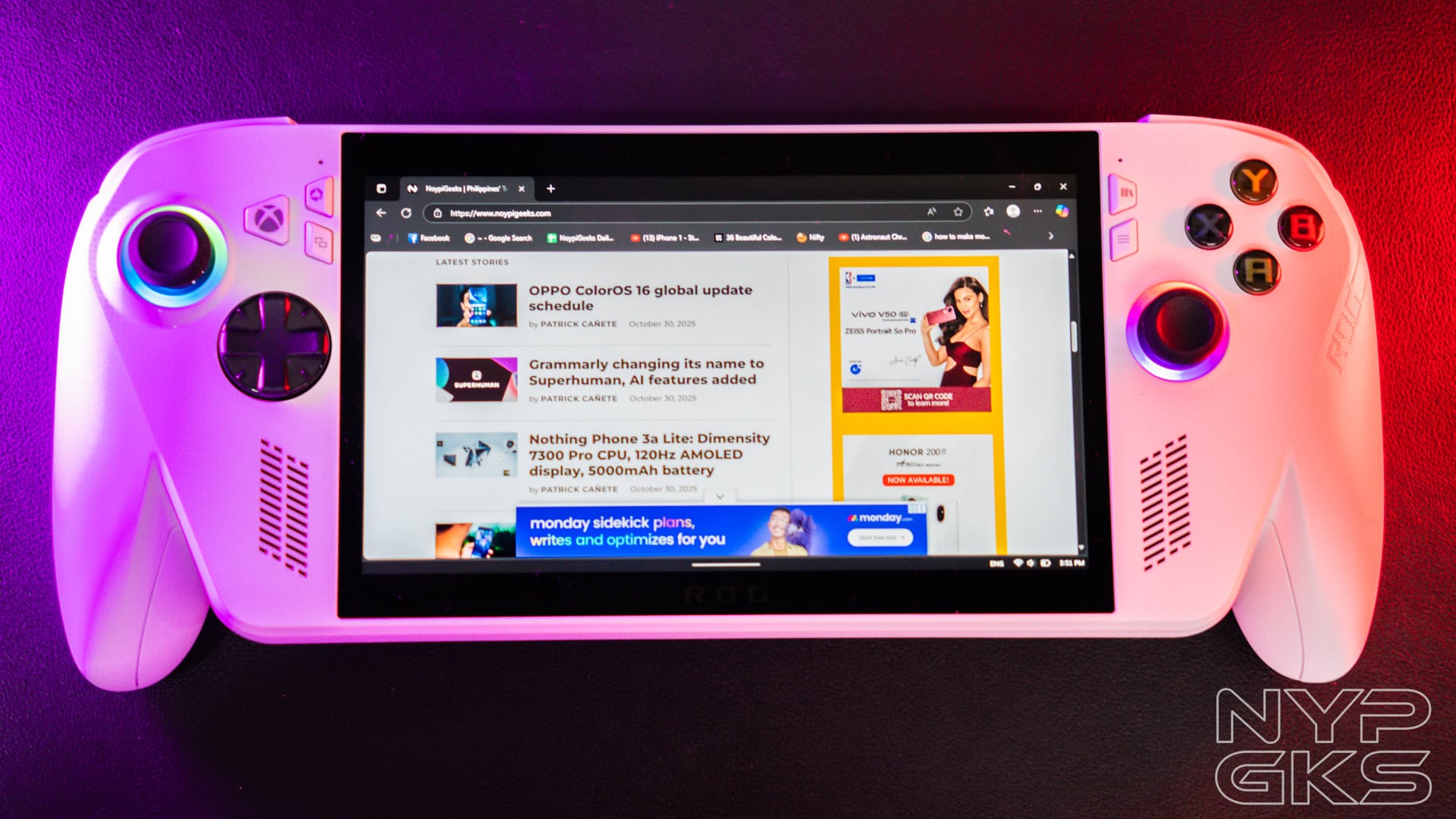
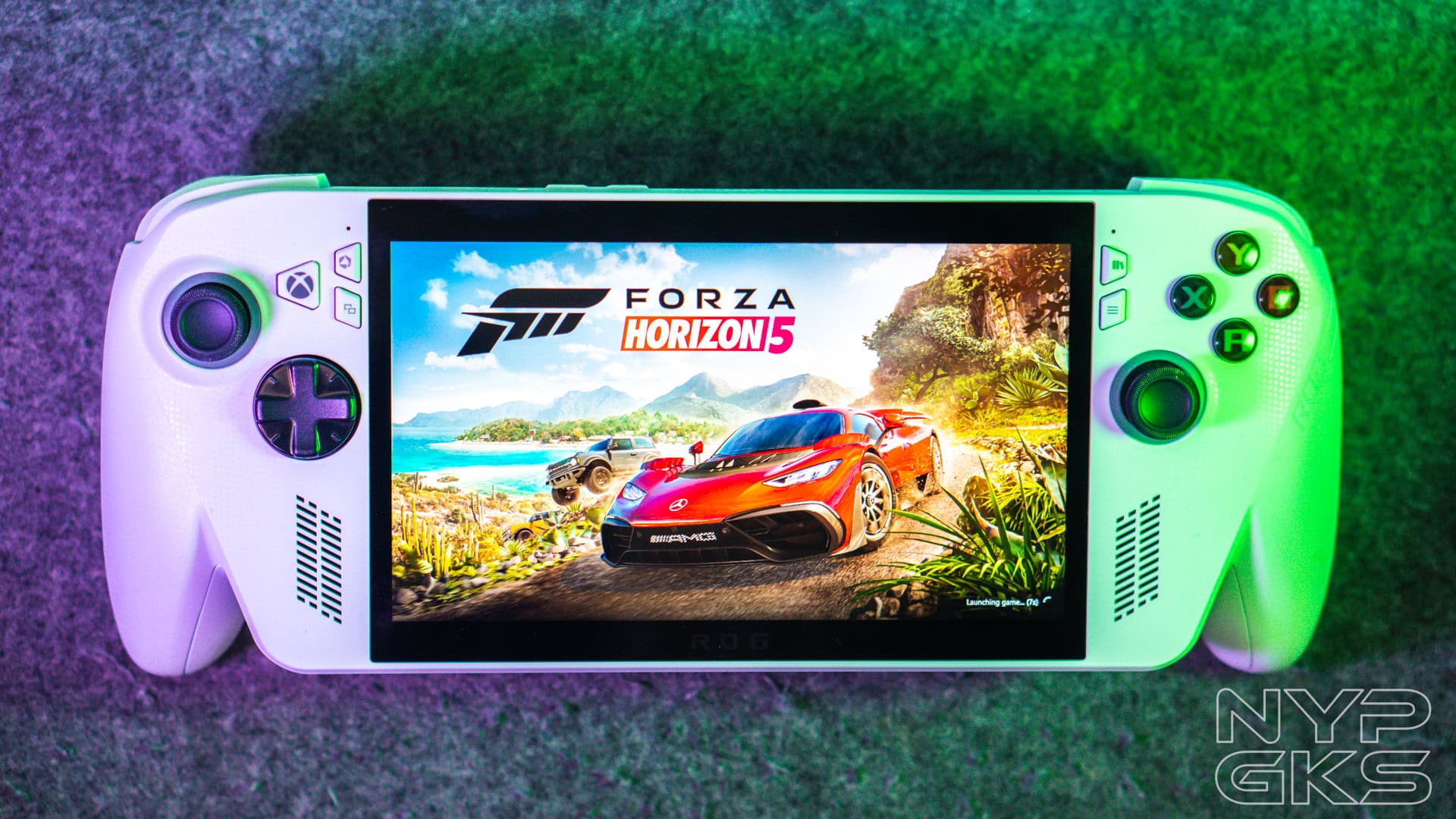
Taking a tour, there’s a 7-inch IPS touchscreen on the front with noticeably thick bezels. An ROG logo is at the bottom.
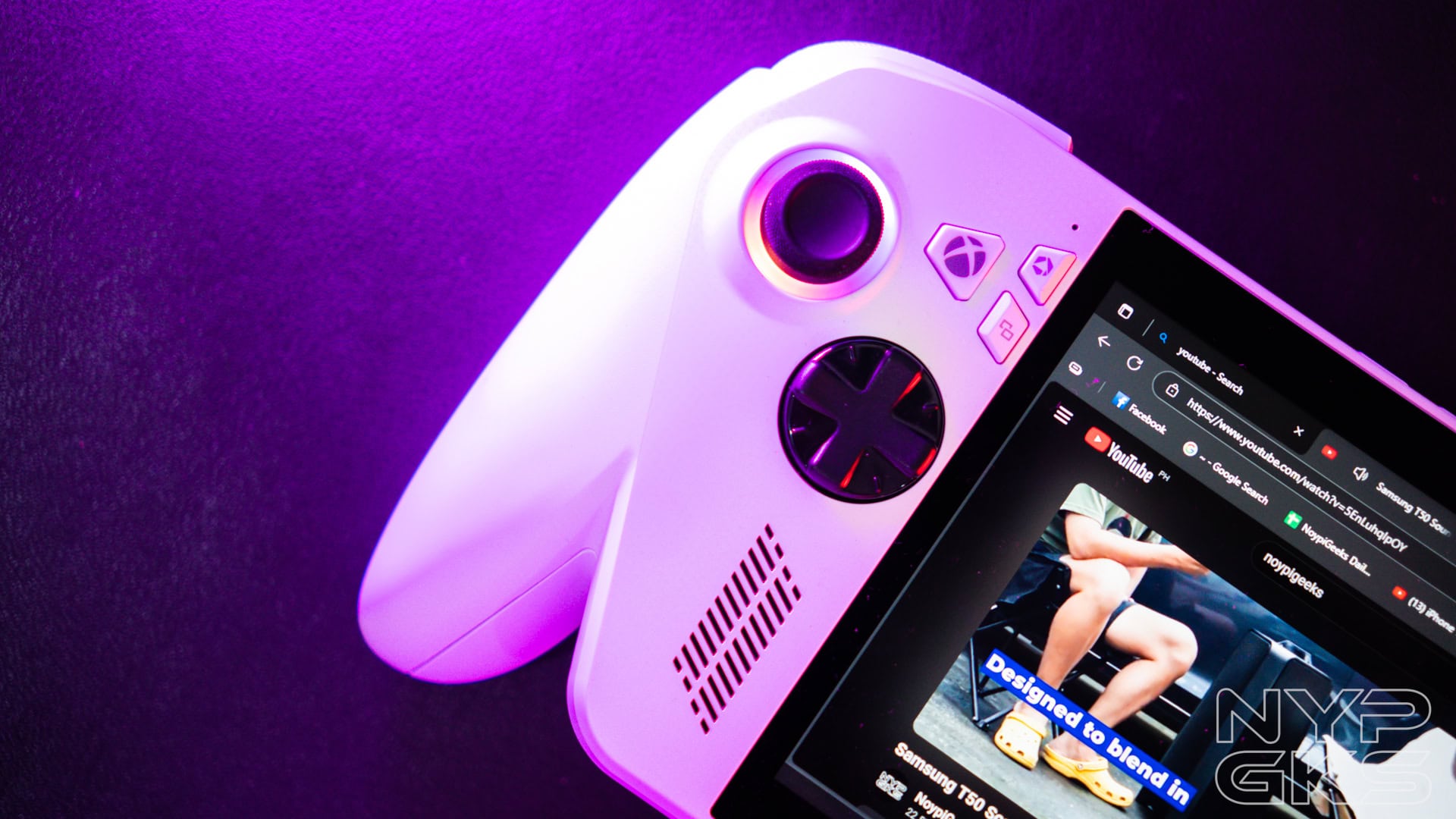
The button layout is similar to an Xbox controller. The left side has the Xbox button, Command Center button, View Button, Left analog stick, and D-pad.
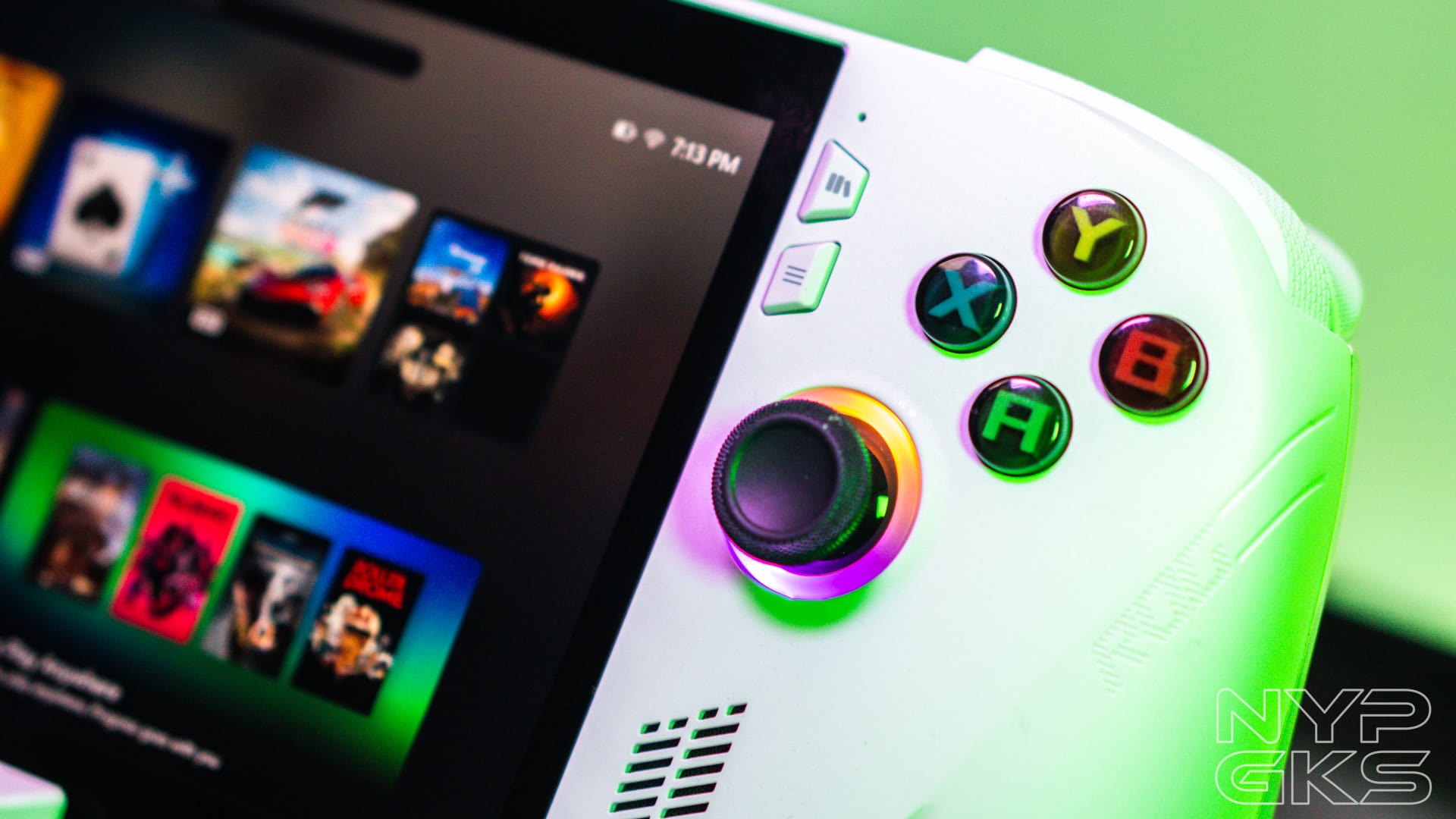
On the right, we have the Library Button, Menu Button, A/B/X/Y buttons in their classic colors, and the right analog stick. The ROG Ally X has impulse triggers.
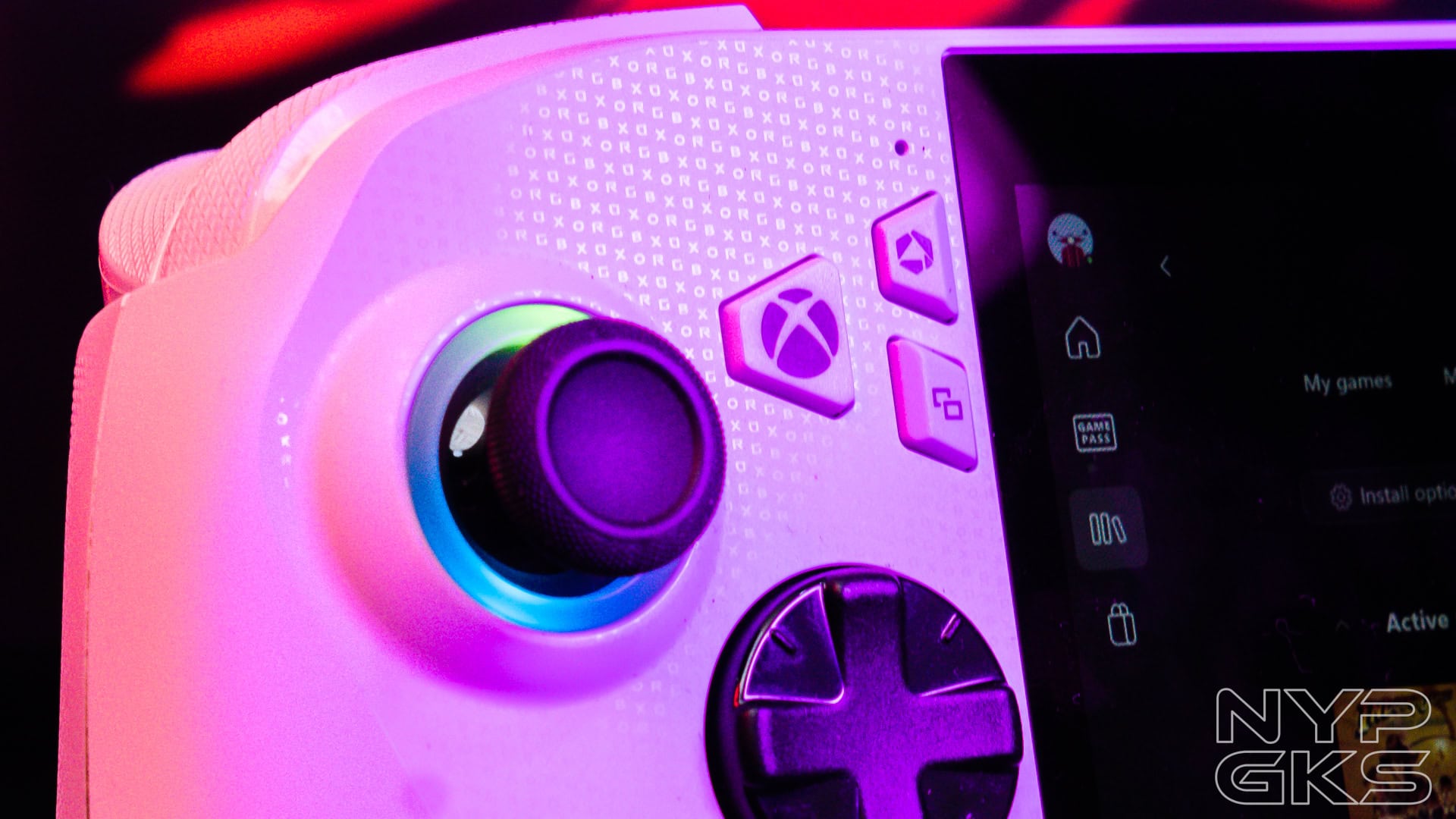
There’s one speaker on each side. Plus, if you look closely, there are micro-painted ROG and Xbox text on the case, and the ROG logo etched on the right side. Both analogue sticks also have RGB lighting.

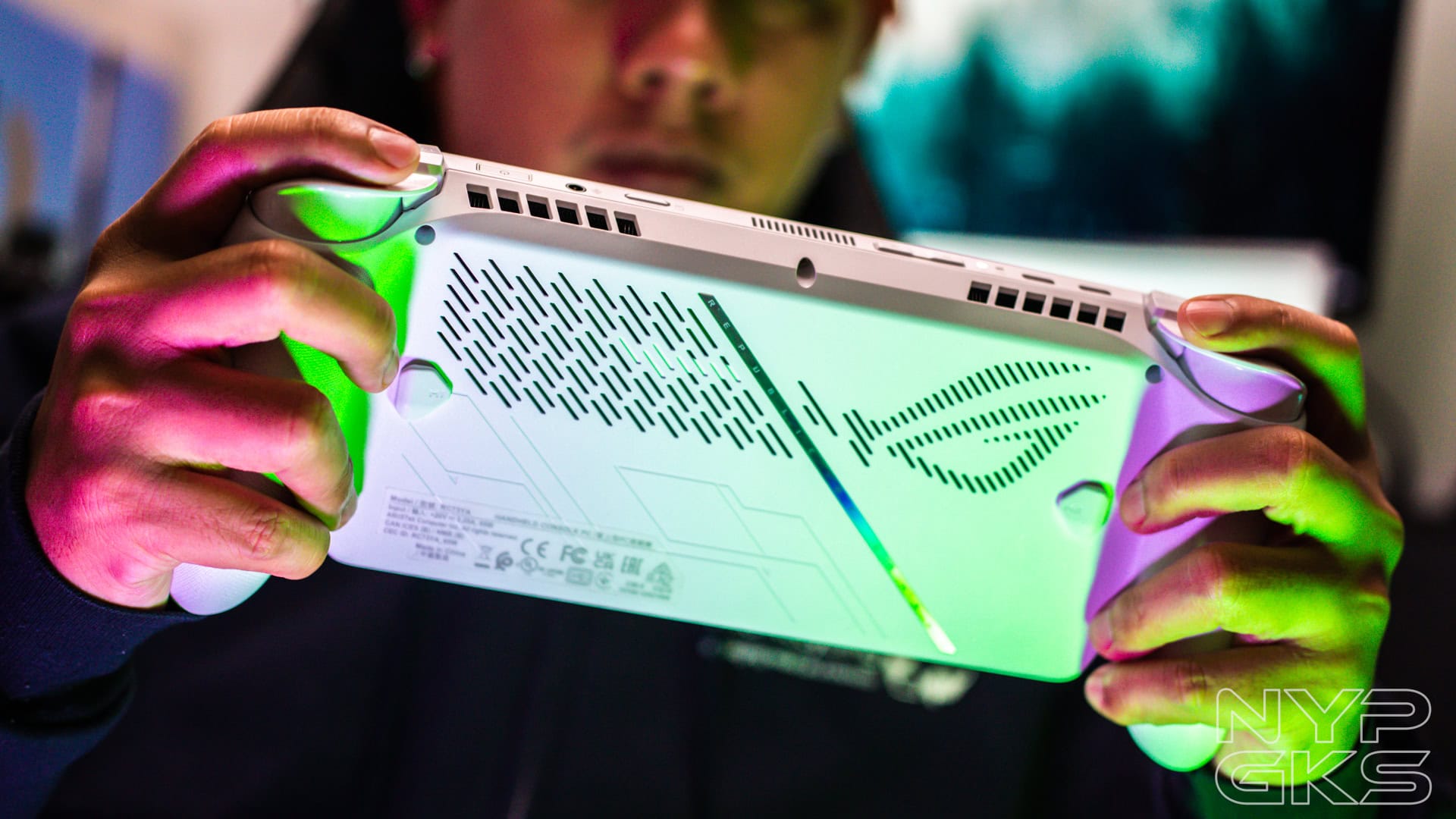
The top is quite busy. We have the Left and Right Bumper and Trigger (RB, RT, LB, LT), a power button that doubles as a fingerprint scanner, 3.5mm headphone jack, UHS-II microSD card slot, USB-C .2 Gen 2, and USB-C with DisplayPort 1.4 and Power Delivery 3.0 support. There’s also the two exhaust vents here for cooling.
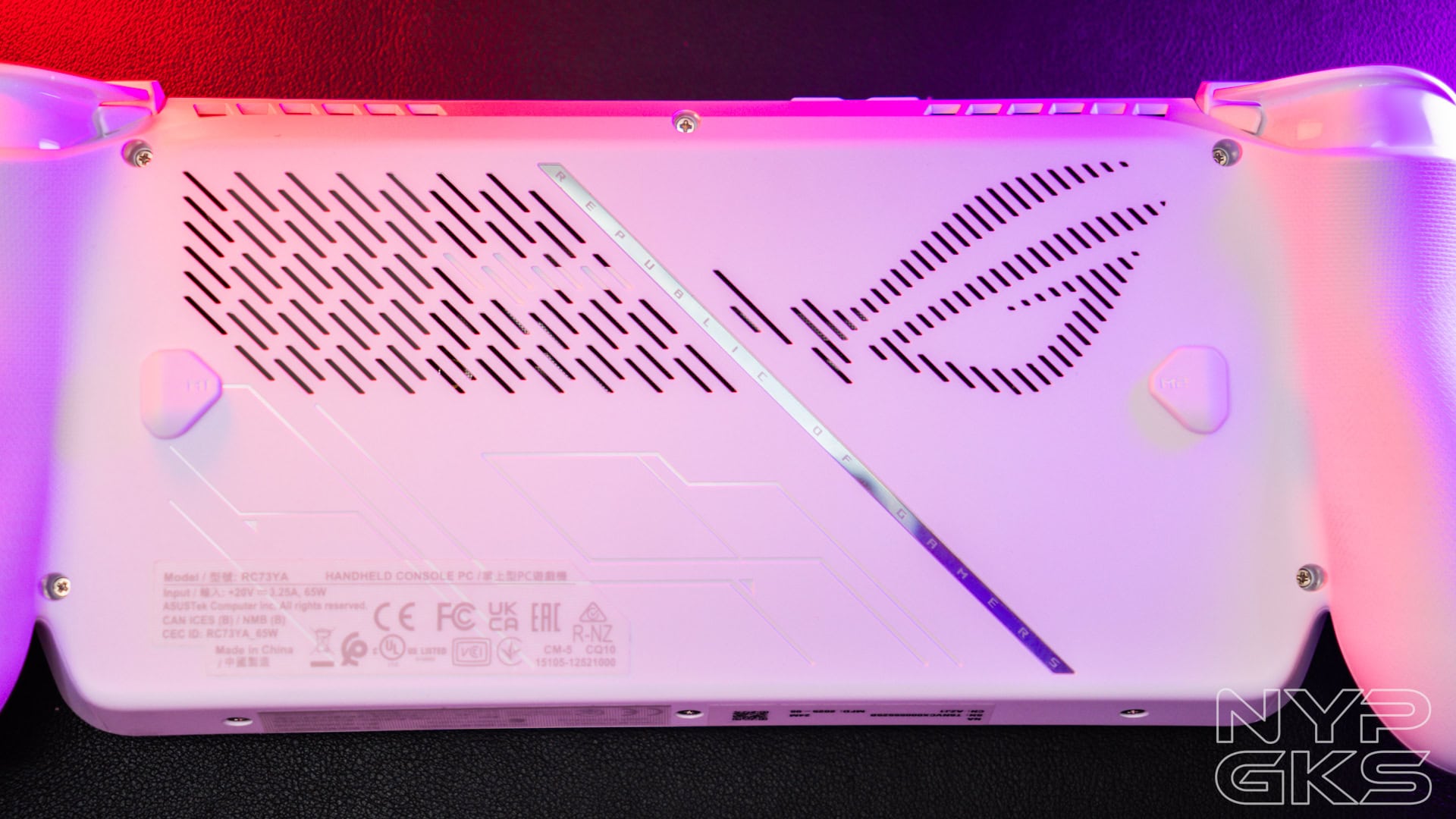
On the back, Macro buttons are on each side, easily reachable by your middle finger. The etched ROG logo also acts as air intakes. Plus, a multi-color chrome strip that adds spice to the design.
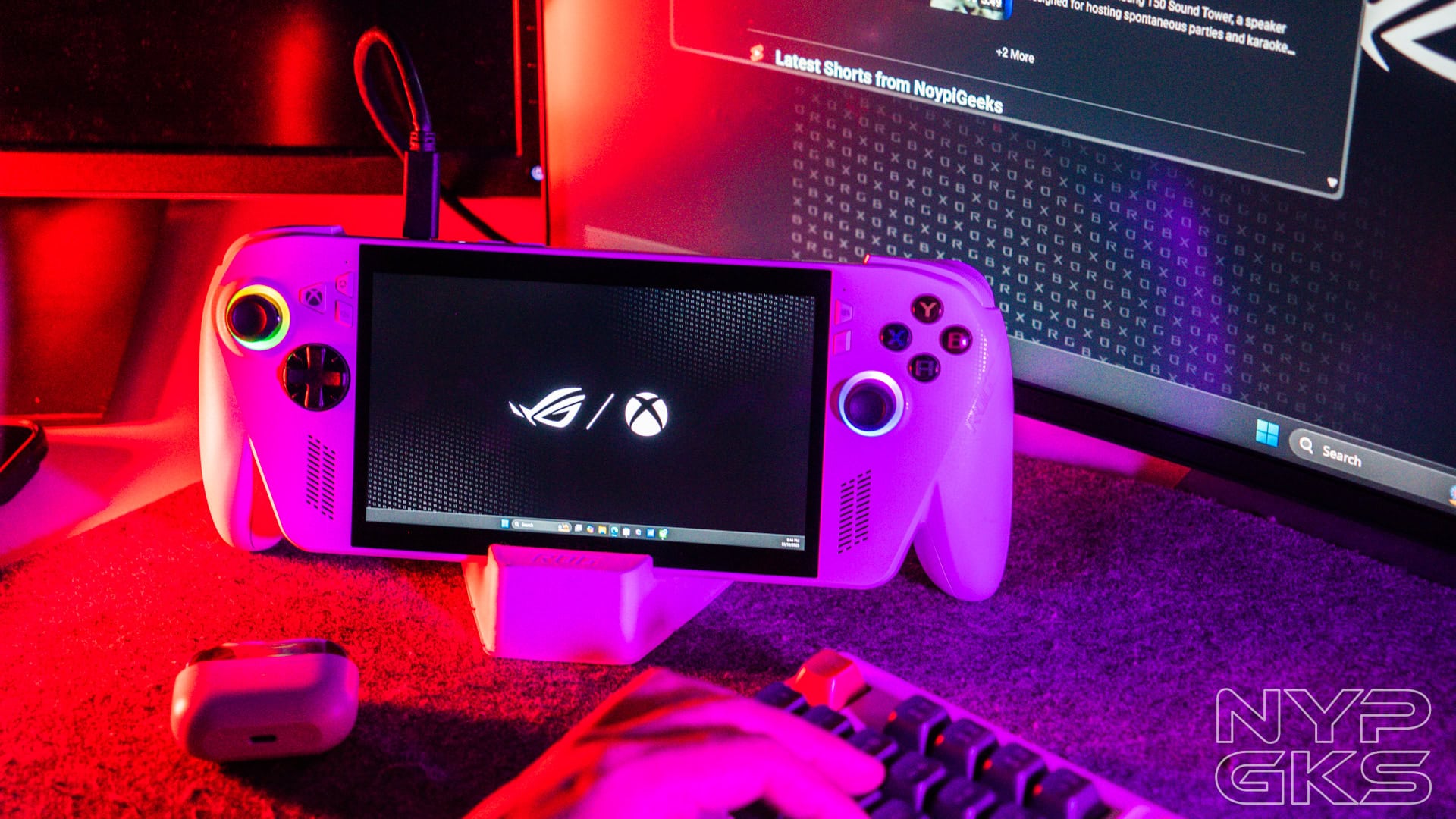
Oh, and the device comes with a cheap yet surprisingly sturdy cardboard stand that’s really handy when propping the device up when using an external controller, when docked on an external monitor, or just when not in use.
Display and Audio
The ASUS ROG Xbox Ally has the same screen as the Ally X. It’s a 7-inch FHD IPS touchscreen with a 1080p resolution, 120Hz refresh rate, AMD FreeSync Premium support, Corning Gorilla Glass Victus protection, and Corning DXC Anti-Reflection.
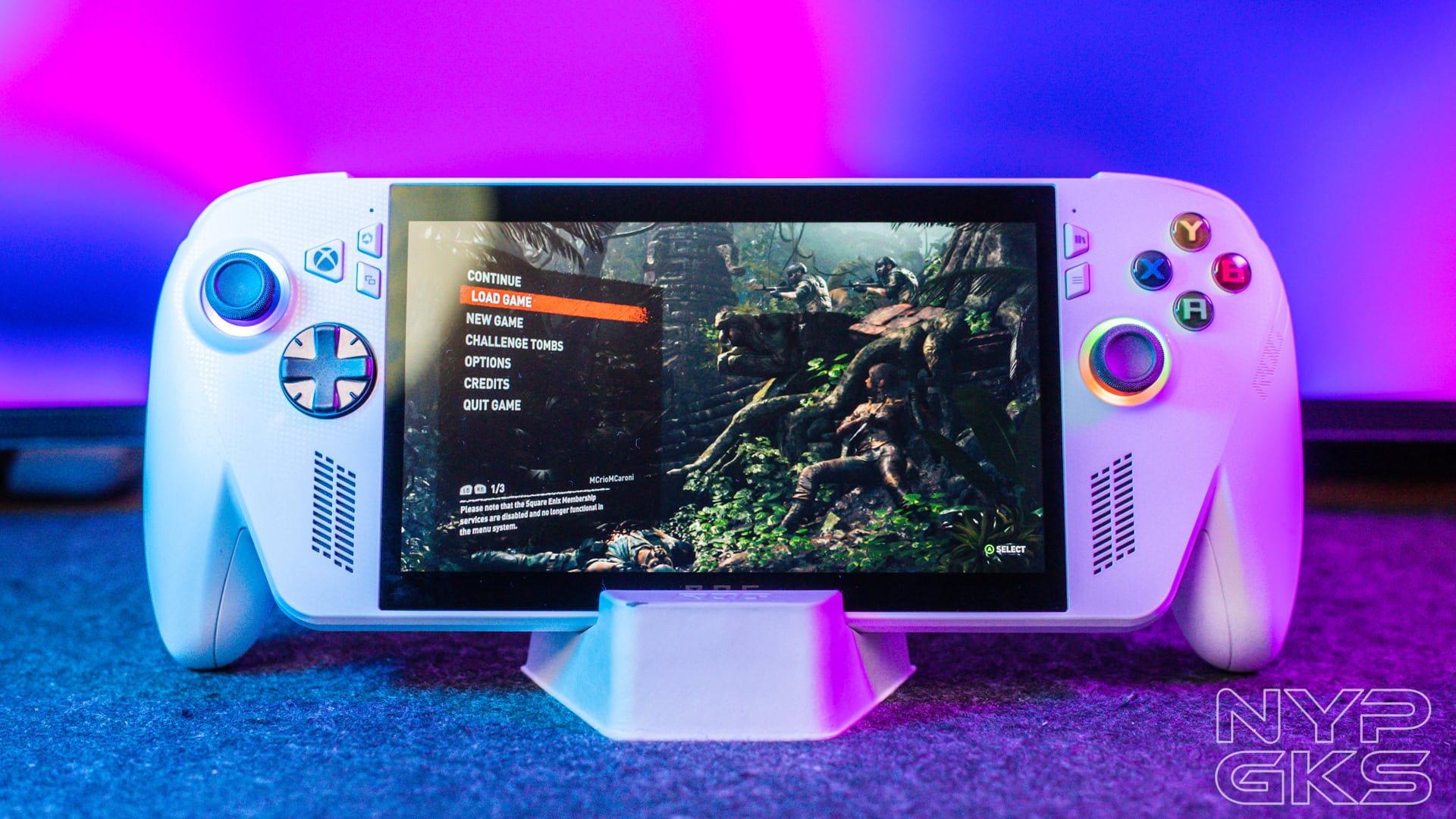
Viewing angles are good, but not great. It handles reflections well for a glossy screen, but obviously not as well as a matte display.
But with the nice colors of the IPS panel and smooth frame rates, the display quality is actually superb for gaming.

For audio, we have the stereo speakers with Smart Amplifier Technology and array microphones.
The built-in speakers are superb. It has loud volume and the bass is present, so much so that you can feel the vibrations.
Stereo separation is also incredible for spatial awareness. You can definitely tell where enemy footsteps are coming from, at least on the X-axis.
Hardware and Performance
The main reason why the ASUS ROG Xbox Ally is much cheaper than the Ally X is because of the processor. While the former enjoys a more powerful AMD Ryzen AI Z2 Extreme processor, this one has a weaker Ryzen Z2 A chip.
ASUS ROG Xbox Ally Benchmark Scores
| Benchmark | Scores |
| Geekbench 6 | Single Core: 1372 Multi Core: 4771 |
| CPU-Z | Single Thread: 414 Multi-Thread: 2475 |
| Cinebench | Single Thread: 1025 Multi-Thread: 4803 |
In addition, it only has 16GB LPDDR5-6400 RAM (vs 24GB LPDDR5X-8000) and 512GB of M.2 2280 SSD (vs 1TB M.2 2280). The storage is very small for a gaming console in 2025, but at least it’s easily upgradeable.
ASUS said that the ROG Xbox Ally is made for 720p gaming, while the ROG Xbox Ally X is for 1080p.
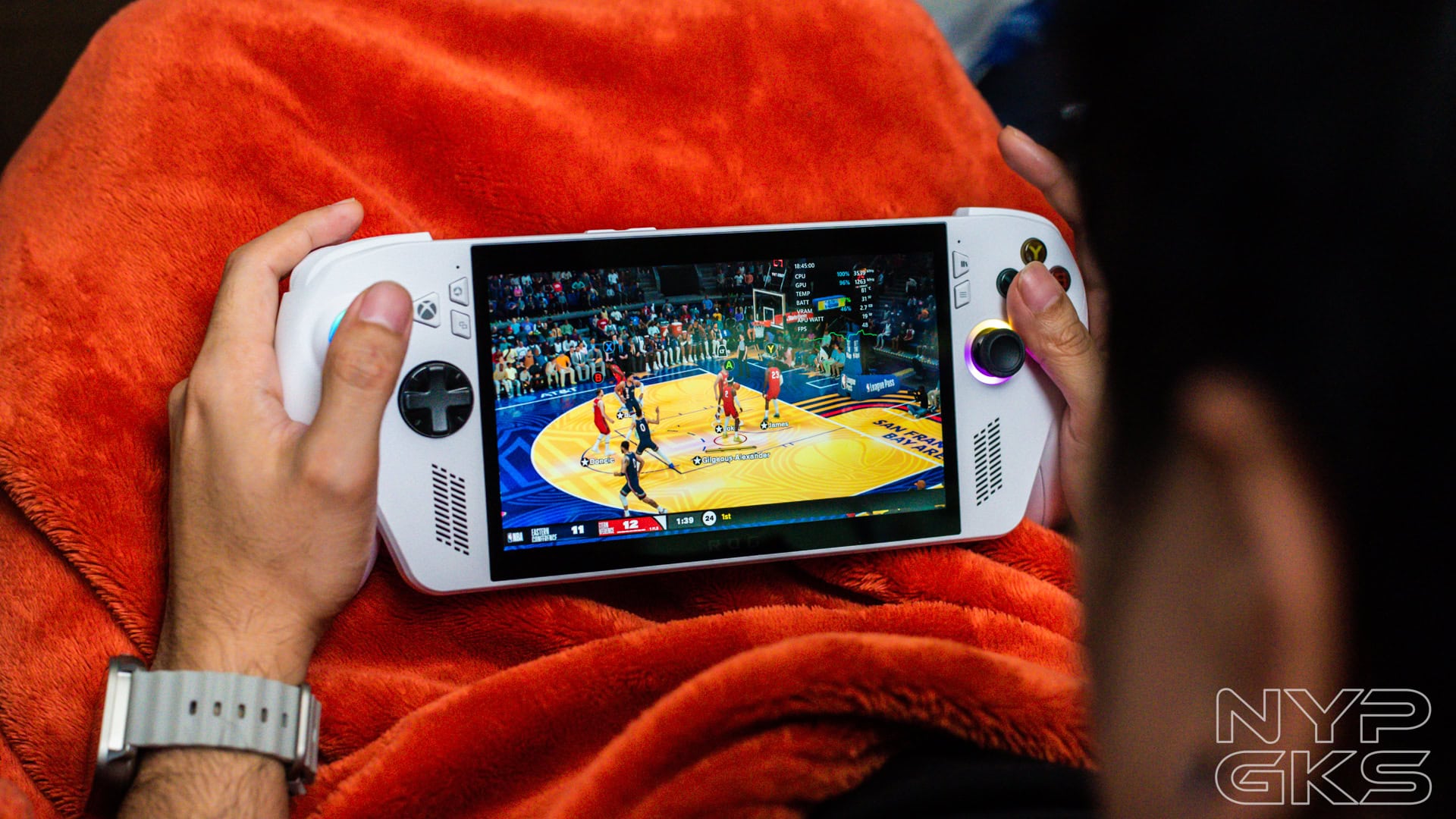
While you can definitely play games at 1080p, you may have to settle with Low to Medium settings just to get respectable frame rates.
There are four performance presets to choose from: Windows (15W), Silent (6W), Performance (15W), and Turbo (20W). Unlike gaming laptops, you can switch to Turbo even without a charger. However, do note that it will drain the battery much faster.
All the game benchmarks below were run under 720p resolution with Turbo mode.
| Game | Settings | Average FPS |
| Doom: The Dark Ages | Preset: Handheld Frame Generation: On | Hebeth: 25.38fps Reckoning: 26.09fps |
| Call of Duty: Black Ops 6 | Preset: Recommended (Low) | Frame Generation Off: 55fps On: 71fps |
| Shadow of the Tomb Raider | Preset: High | 45fps |
| Forza Horizon 5 | Preset: High | 51fps |
| Indiana Jones and the Great Circle | Preset: High | 39fps |
Outside of gaming, the ROG Ally can feel sluggish. Lags, buffers, and hiccups are felt when browsing the interface or launching apps. Nothing a software optimization can fix, though.
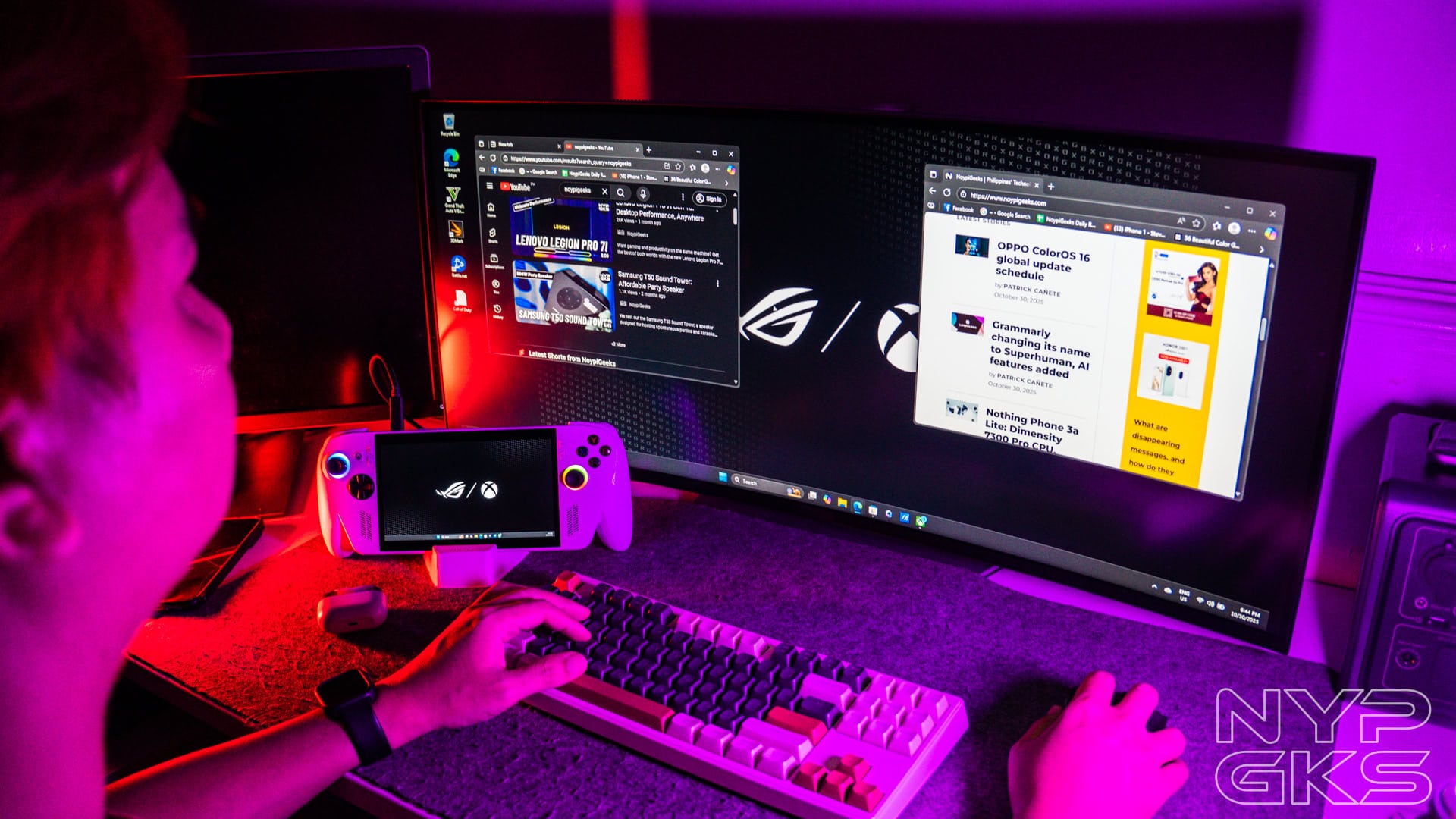
When connected to an external monitor, mouse, and keyboard, the ROG Xbox Ally can pass as a Windows PC, but only for basic work tasks. Sadly, the performance feels a little slow to do more, but it should be easily improved with some optimizations.
Software and User Interface
The ASUS ROG Xbox Ally seems to have an identity crisis. This isn’t as straightforward as the classic Xbox console. Why? Because its Xbox Full Screen Experience interface runs on top of Windows 11, and suffers from the usual complications that Windows users are well aware of.
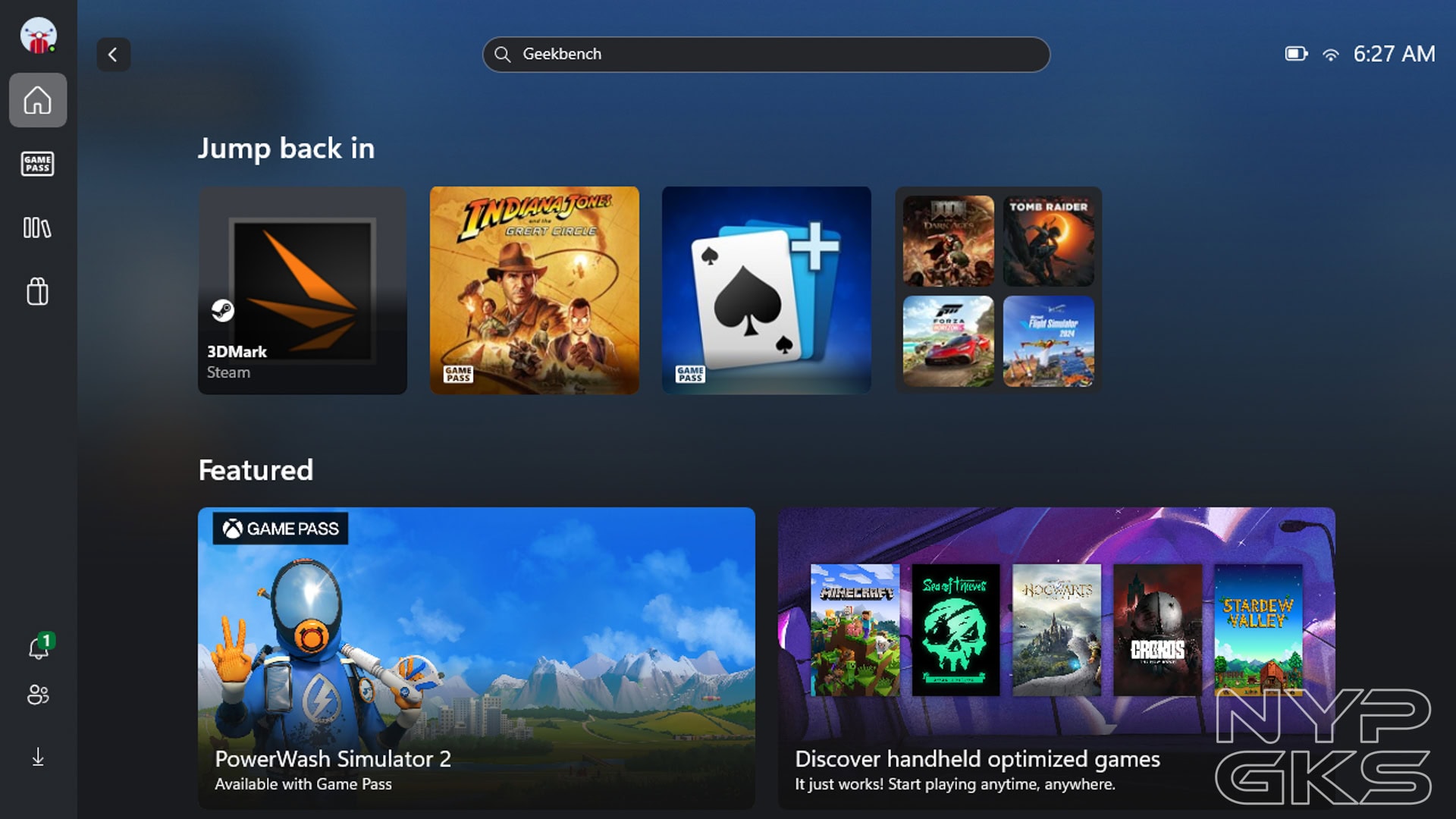
There are the unpredictable software updates, occasional app launch glitches, and more.
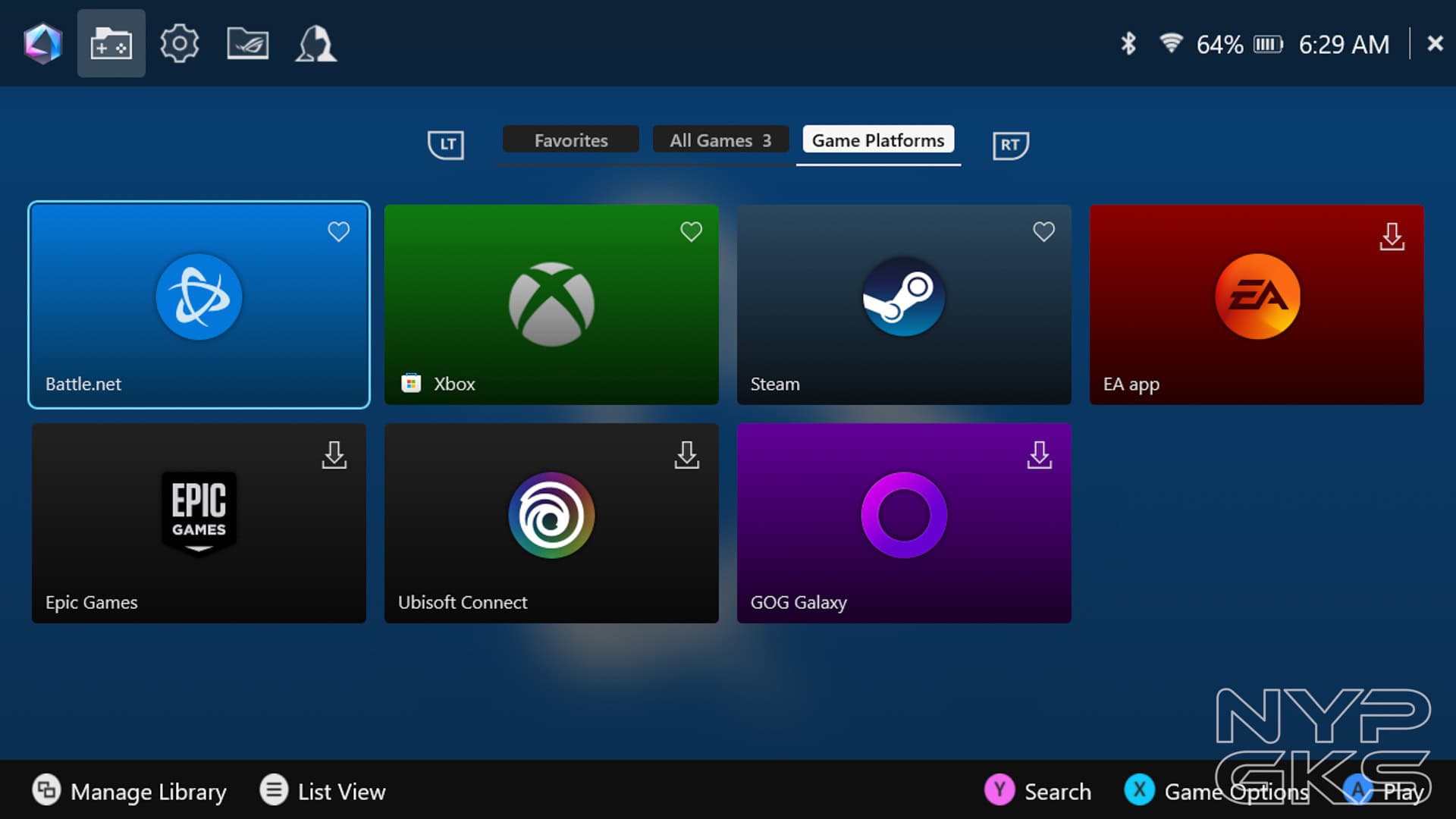
However, having Windows 11 is also its greatest strength. It provides extreme flexibility, unlike the Steam Deck and other consoles, at least natively.
Apart from PC Game Pass titles, you can also play games from other platforms such as Steam, EA, Epic Games, Ubisoft Connect, Battle.net, and GOG Galaxy.
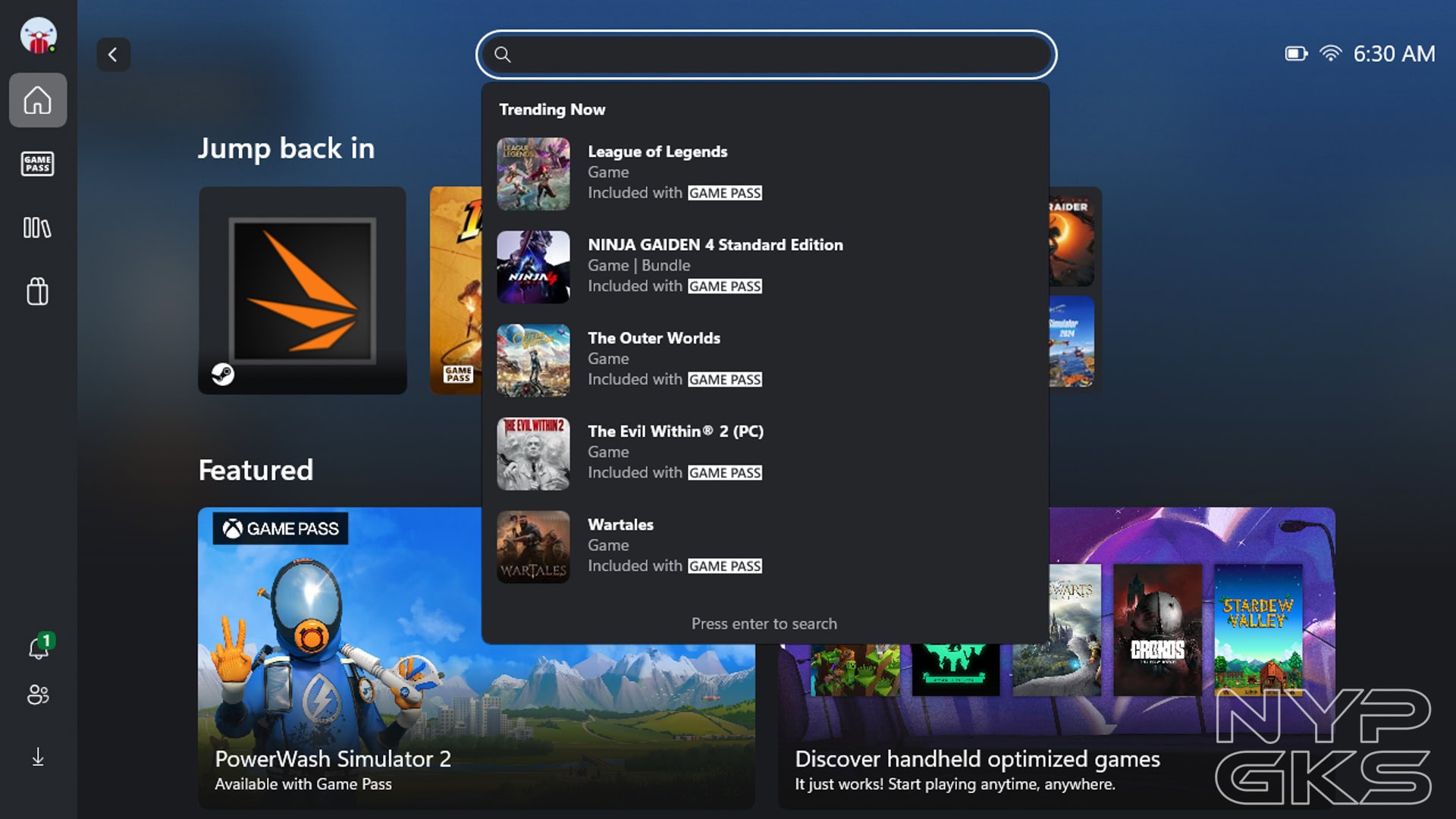
Still, the console boots on Xbox UI, which has a library that consolidates all the games installed from all the platforms.
The dedicated Xbox button launches the Xbox Game Bar, allowing you to switch between games. There are other windows you can switch to, which include the Armoury Crate SE that lets you switch between performance modes, display resolution, controller modes, and more.
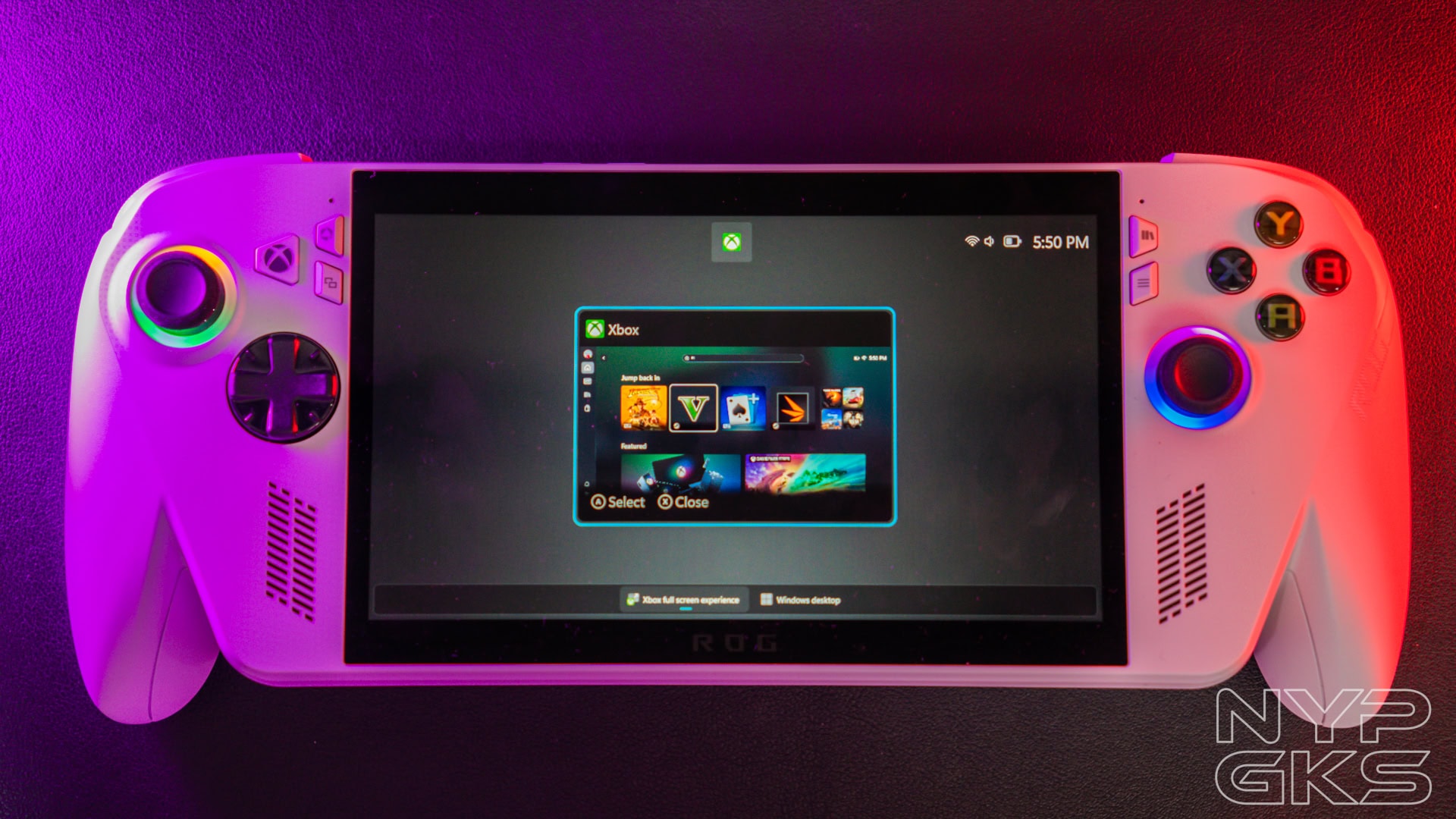
Long-pressing the Xbox button launches the app switcher, which is very seamless. You can seamlessly close an app by pressing X.
From the app switcher, you can also go to the full Windows mode. Pair external peripherals, and you can have a decent desktop experience that’s only limited by the underwhelming processor and meager RAM.
What’s annoying is when you switch back to the Xbox Full Screen mode, it will ask for a restart for an optimized experience. You can skip the 20 to 30-second process if you don’t mind a slightly less-optimized experience, though.
All in all, we actually like the flexibility of the ROG Xbox Ally. Still, users who are less tech-savvy, who are expecting a clean and straightforward Xbox interface, may find it annoying at times. But it’s still new and we expect more software optimizations that will improve the experience in the future.
Battery and Charging
Another big difference between the two models is the battery. The ASUS ROG Xbox Ally has a 60Wh battery, while the ROG Xbox Ally X has 80Wh. Both come with a compact 65W USB-C charger that you can also use on your smartphone, tablet, and other devices.
We went all out in our battery test. We continuously played games under Turbo (20W) mode, brightness and volume at max, WiFi connected, Bluetooth on (no device connected).
Under these conditions, we were able to play for exactly 2 hours and 11 minutes until it completely ran out of battery and shut down. That’s pretty impressive. If you want to play longer, you can dial down the screen brightness, volume, or even the graphics settings.
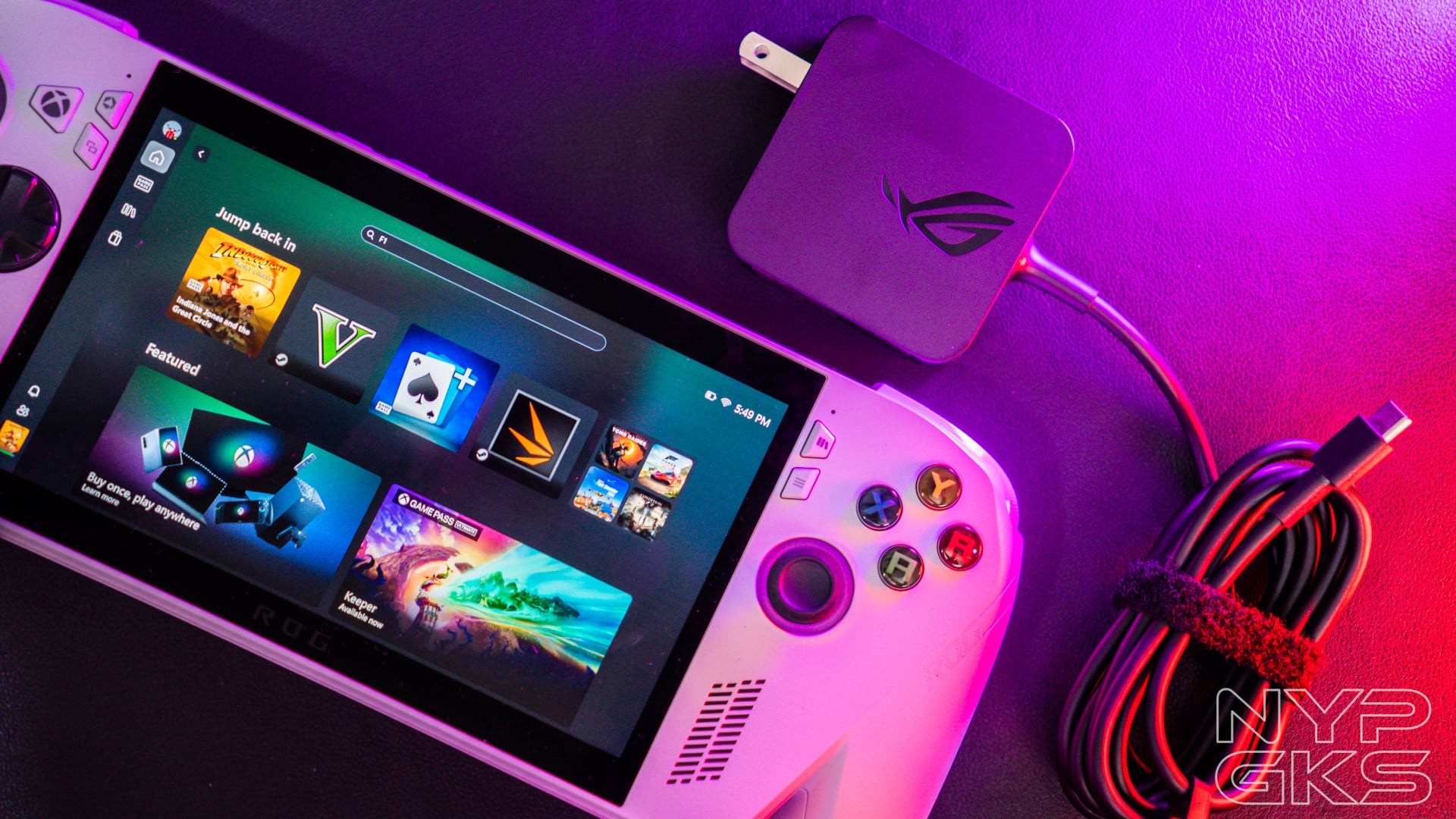
Charging it is like charging a smartphone. The first 15 minutes was fast, as it already provided a 0-14% charge. But things started to slow down when we hit 90%. In case you want to use it on the go, the device can be powered through a power bank as well.
- 15mins: 0-14%
- 30mins: 37%
- 45mins: 58%
- 1hr: 77%
- 1hr 15mins: 90%
- 1hr 30mins:
Verdict
The ASUS ROG Xbox Ally is one of the best gaming handhelds in the market right now. But choosing between the regular Xbox Ally and Xbox Ally X is not easy.
For the price, there are more powerful consoles out there. However, not many of them offer the flexibility of Windows 11. You can definitely play games with it, even modern and triple-A titles, but you have to settle for low to medium graphics settings to get good frame rates.
Aside from its good performance, you’d love its very ergonomic design, great display and speakers, outstanding battery life, comprehensive controls, and more.
If you can stretch your budget, we recommend to spend a bit more for the ROG Ally X instead. That’s not to say that the standard Xbox Ally is not good, but going for the Ally X’s improved performance, more storage, and better battery life is worth the money.
ASUS ROG Xbox Ally pricing and availability in the Philippines
The ASUS ROG Xbox Ally retails for Php36,995, while the Xbox Ally X is priced at Php56,995. It is available at ASUS and ROG concept stores and online channels.
Pros
- Ergonomic design
- Superb display
- Great stereo speakers
- Easily upgradable storage
- Flexible game support thanks to Windows 11
- Long battery life with fast charging
Cons
- Only 512GB storage