


Microsoft just released its February system update for Xbox, adding better picture quality for cloud gaming and making it easier to use external storage on handheld devices.
People who pay for Xbox Game Pass Ultimate can now play streamed games in 1440p resolution on their consoles. This means games will look clearer and run smoother when playing through the cloud. The upgrade works on Xbox Series X|S, Xbox One X, and Xbox One S. Microsoft said they are also sending data faster to make sure the picture stays sharp and the controls feel quick.
The company already offered this quality on phones, computers, and some smart TVs, so this update brings consoles up to speed.
On Windows computers, the Xbox app now makes sounds when you use a controller to move around. You will hear a small noise when you switch between menus, pick something, or go back a page. These sounds are meant to help you know what the app is doing without having to look as closely. If you do not like them, you can turn them off in the settings menu under Audio.
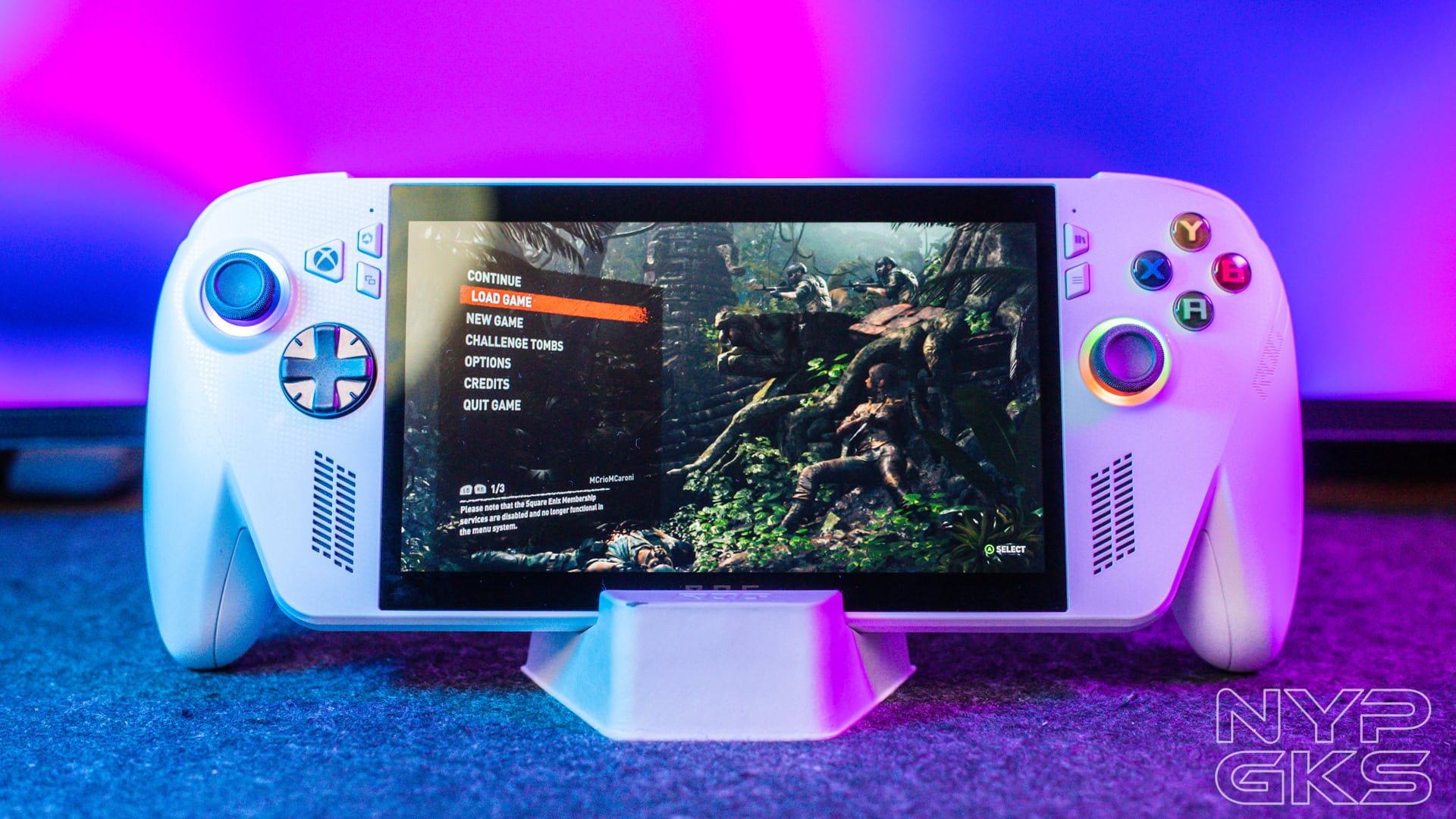
People who play games on an ASUS ROG Ally or ROG Ally X got some helpful changes this month. The biggest one is about storage. Now, when you want to save a game on a memory card, the Xbox app lets you set up that card right away. You do not have to leave the app to get it ready. This works with SanDisk cards that are made to work with Xbox.
Another small but useful change shows up when some games are starting. A message will tell you if the game already set up its shaders while downloading. Shaders help games look right, and having them ready early means the game starts faster and runs better the first time you play it.
Microsoft also reminded people about two things they announced recently. Some testers on computers can now see recaps after they finish playing. These summaries show things like new achievements and screenshots. And the website version of cloud gaming is now open for more people to try.
All these updates are free and should show up on your device over the next few days.