
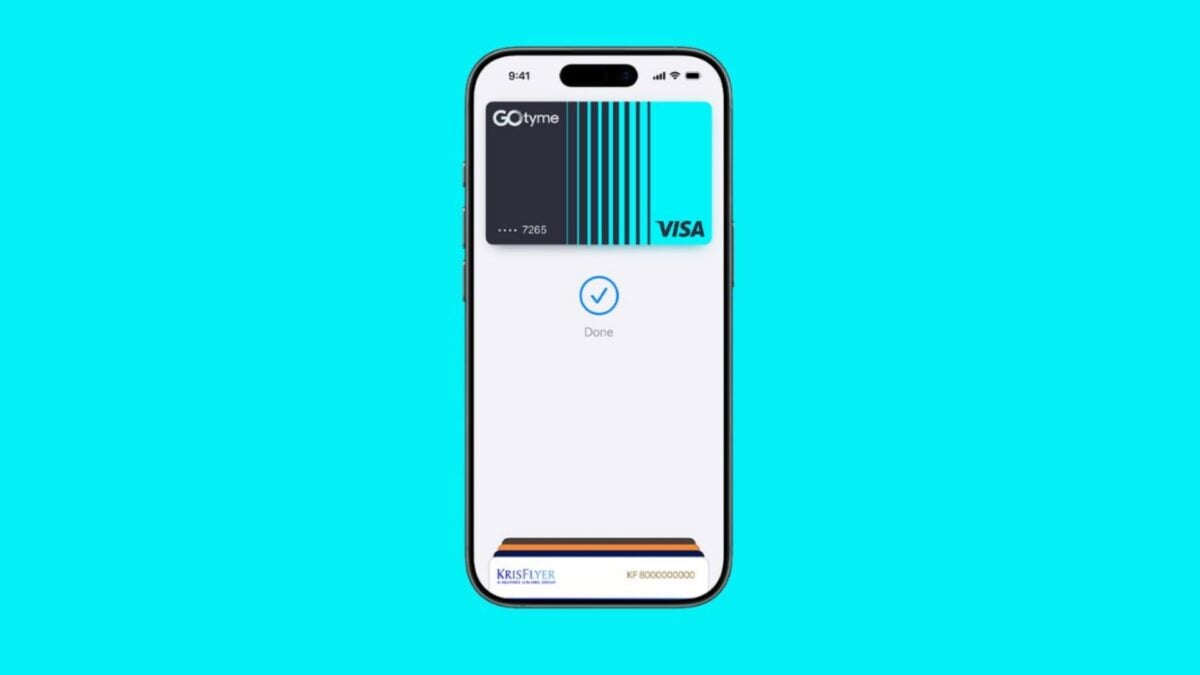
Apple Pay is finally available in the Philippines.
On the night of August 3, news circulated on social media from a few users discovering that Apple Pay now works on their devices. This was confirmed after an official Apple Pay webpage finally went live on Apple’s Philippine website.

As of writing, Apple Pay is only available for GOTyme Bank, Chinabank, Metrobank, and UnionBank cardholders. More banks and financial services shall be added to the list soon.
Apple Pay is available in tons of merchants, with some users posting on social media that they were able to use it on 7-Eleven branches and Shell Select stations.
The Apple website also has a list of supported merchants like Abenson, Ayala Malls, Digital Walker, Globe, and WalterMart Supermarket. It is also available on apps and websites like Shopee, Payless, Foodpanda, and Banana Republic.
To add your card, simply open the Wallet App, tap the + button, tap your NFC-enabled card, complete the verification process, and you’re done.
Apps like GoTyme Bank also have a section on their app that lets you easily add your account to Apple Wallet.
Once added, you can pay using the Wallet app on your iPhone or Apple Watch at participating stores. Your cards are also automatically added on your iPad and Mac for online purchases. Pretty much any merchant that accepts wireless payments should accept it.
Apple boasts that Apple Pay is more secure than using your physical card, as your card number stays private and never shared with the merchants nor stored on Apple servers.
Just tap your iPhone or Apple Watch to the terminal, verify the transaction using Face ID, Touch ID, or a passcode, and you’re done.
wrw3f7