
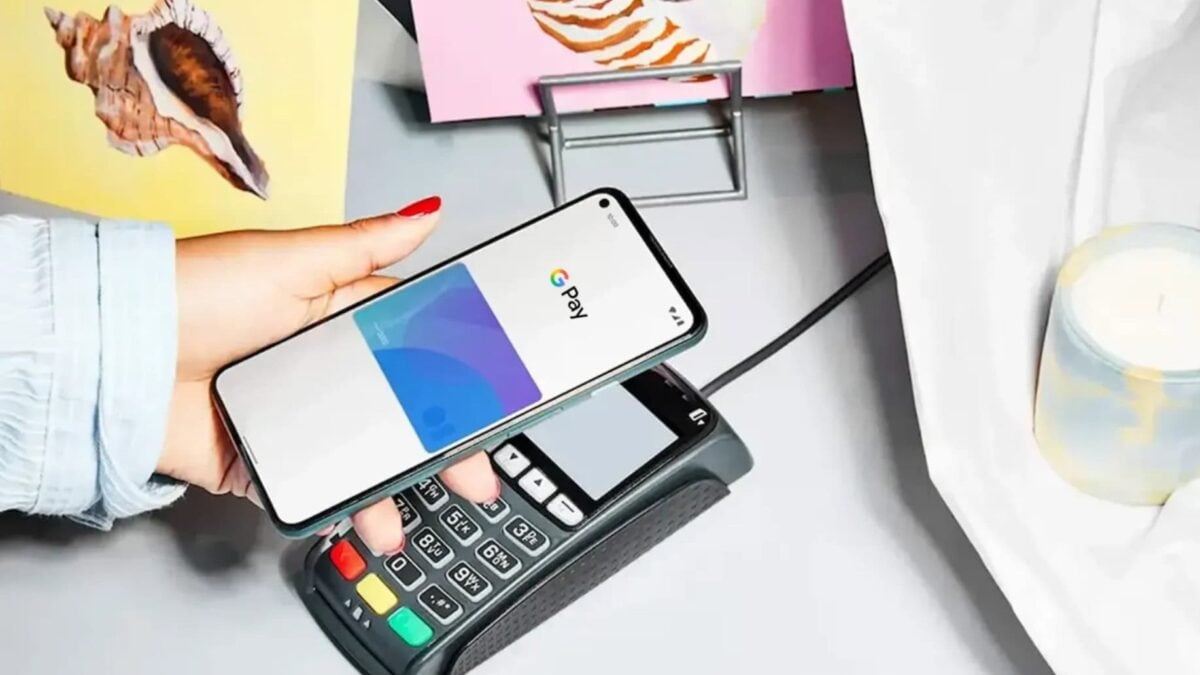

It’s been almost a year since Google Pay rolled out in the Philippines.
So, as Apple Pay is finally catching up, we’ll check out the milestones Google Pay has already achieved in the Philippines by looking at its list of its supported banks in the Philippines.
The table below shows a list of Google Pay-approved cards in the Philippines from different financial institutions:
| Banks | Supported Cards |
| Bank of the Philippine Islands (BPI) | Mastercard Debit Card Mastercard Credit Card Visa Credit Card |
| Chinabank | Mastercard Credit Card Visa Credit Card Visa Debit Card |
| EastWest | Mastercard Credit Card Visa Credit Card Visa Debit Card |
| Maya | Visa Credit Card Visa Prepaid Card |
| GCash | Mastercard Debit Card |
| GoTyme Bank | Visa Credit Card Visa Debit Card |
| Philippine National Bank (PNB) | Mastercard Credit Card |
| PalawanPay | Prepaid Card |
| RCBC | Mastercard Credit Card Visa Credit Card |
| UnionBank | Visa Card |
| Wise | Visa Prepaid Card |
| Zed Card | Mastercard Credit Card |
Bear in mind that Google Pay only works on Android phones with NFC. NFC should also be turned on during transactions.
Once you’re sure your bank and smartphone support Google Pay, you can set up the service by downloading and opening the Google Wallet app, tapping the + button, then using your camera to scan your debit/credit card or enter your card details manually.
After the setup, you should be able to use Google Pay at any merchants that accept contactless payments. You can also use it on online purchases made on your phone.
My social security pension is deposited at China Bank in the Philippines. Can I use Google Pay to access my account from here?
01k1hh