
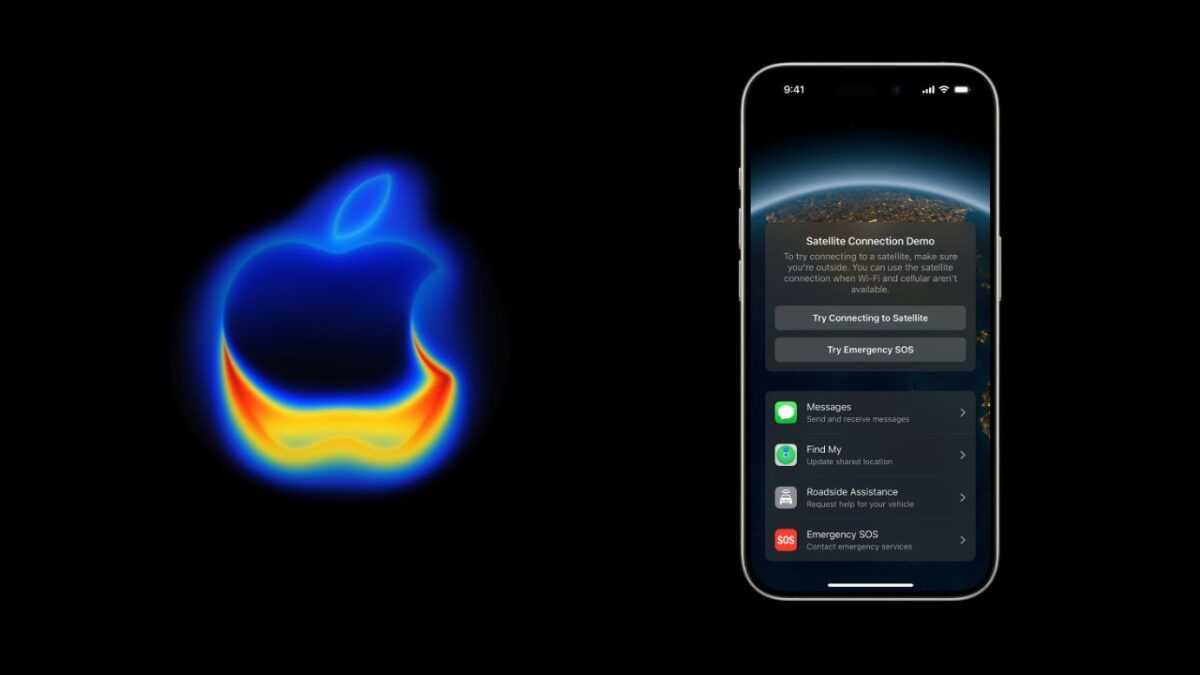

If you have ever been hiking or driving through an area with no cell reception, you know the frustration of being disconnected. Apple has expanded its satellite features to let iPhone users send and receive text messages when Wi-Fi and cellular networks are not available.
The company originally designed satellite technology for emergencies, allowing users to contact 911 from remote locations. Now with iOS 18, that capability includes regular messaging. You can send a quick update to friends or family from a hiking trail or a remote beach without needing a cell signal.
The process starts automatically. When you lose cell service, the Messages app will notice and show a prompt that satellite messaging is available.
Before you leave home, you should turn on iMessage while you still have internet access. It also helps to set up emergency contacts or Family Sharing members ahead of time. That way they can message you without you having to message them first.
- iMessage Effects Codes: Spice up your texts with special animations
- How to recover deleted messages on iPhones
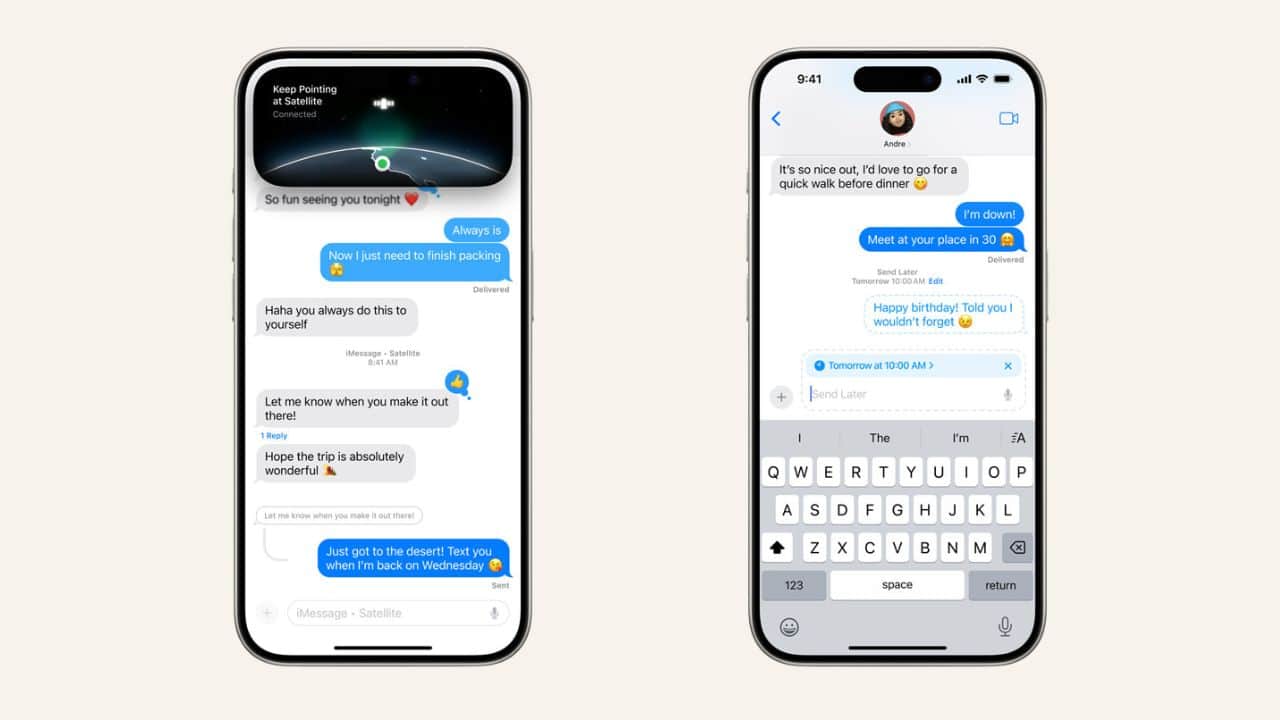
To send a message, open the Messages app. If you are in a spot with a clear view of the sky, you will see an option to connect via satellite. Tap it and your iPhone will give you directions on screen. You will need to move your phone to point at a satellite overhead. Once connected, you can type and send a text. The phone will tell you when it sends successfully. Replies from your contact will come back the same way as long as you stay connected.
You can only send text messages. Photos, videos, voice messages, and other files do not work. The system compresses texts to make them smaller and easier to send.
Messages travel slower than normal texts. Delivery can take anywhere from less than a minute to several minutes. It depends on the weather, your location, and where the satellite is in the sky.
The person you are texting does not need a satellite phone. If they have an iPhone with iMessage, the message goes through Apple. If they have a different phone, it arrives as a regular text message.
Do note that this feature is not meant for everyday use. It does not support group chats, read receipts, or media. Apple says satellite services are free for now but may cost money in the future depending on your region and carrier.
You need an iPhone 14 or a newer model to use this feature and the phone must also have iOS 18 or a later version installed. The service works in the United States and parts of Canada right now, but Apple says it is adding more regions over time.