
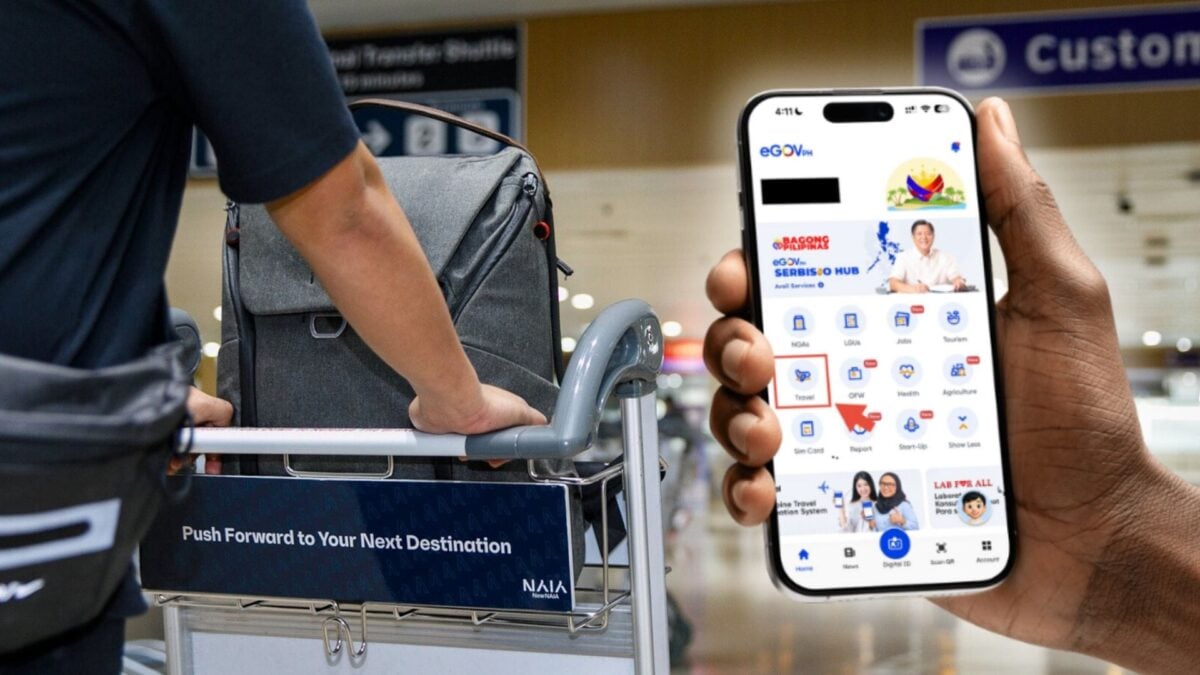
Imagine rushing to the check-in counter because you woke up late or got stuck in traffic going to the airport, only to realize you forgot to settle your travel tax. Well, here’s a faster and more convenient way to do it.
You can now settle your travel tax using the Philippine government’s superapp, the eGovPH app. That’s the same app that gives you access to other government services like renewing your driver’s license, managing your PhilHealth, GSIS, BIR, and more.
Eliminate the stress and hassle — at least a part of it — of traveling abroad from the Philippines by making the most out of the eGovPH app.
Steps to settle your travel tax online via eGovPH app
Step 1: Open the eGovPH app. If you haven’t already, you can download it from the Google Play Store and Apple App Store and create an account.
Step 2: From the homepage, tap Travel, then tap TIEZA Travel Tax.

Step 3: Tap “I Agree”.
Step 4: Fill up your personal details and passport information. Also, input your flight information like the airline, destination, and departure date.
Step 5: Settle the payment.
Here’s how much the travel tax costs from the Philippines:
- Economic/Business Class: Php1,620
- First Class: Php2,700
You can settle the payment using credit/debit cards, e-wallet, or bank transfer. The app will charge a Php50 transaction fee.
Don’t forget that flying abroad also requires you to fill up your eTravel information, which is also available in the Travel section of the eGovPH app.
It’s fantastic that you are getting ideas from this piece of writing as well as from our dialogue made at this place.