
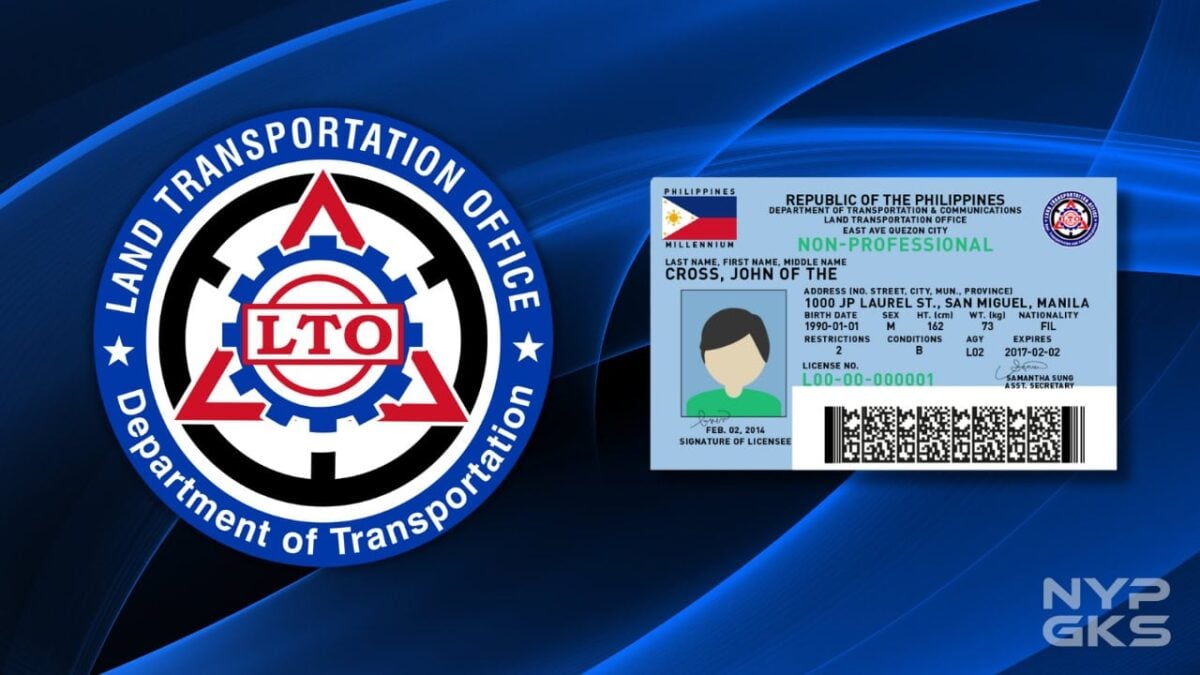
Driver’s license renewal has become more convenient than ever, as the Land Transportation Office (LTO) announced the online renewal process through the eGovPH app.
Through LTO’s Online Driver’s License Renewal System (ODLRS), you don’t have to go to LTO and spend hours in line every time you renew your license.
Online driver’s license renewal in the Philippines
IMPORTANT: Make sure that you have already downloaded and installed the eGovPH app on your smartphone before following the steps.
Step 1: On the eGovPH home screen, select NGA.

Step 2: Scroll down and locate LTO or input it in the search box, then tap.
Step 3: Select Online Driver’s License Application.
Note: You will be redirected to the LTO services page within the eGovPH app.
Step 4: Tap ‘Complete your profile to continue.’
Step 5: A pop-up will appear regarding the prerequisites of the Electronic Driver’s License (eDL) and Renewal of License. Click Continue.
- How to renew LTO vehicle registration online
- LTO Electronic Driver’s License: How to access, uses, FAQs
- How to check violations, penalties, and demerit points on LTO online
Important Notes: To ensure a seamless online application, please secure the following requirements first:
- Ensure you have a valid Online Driving Enhancement Program (ODEP) Certificate.
- Inside the LTO ODLRS Portal, tap ‘Click here.’
- Finish the five-hour education program.
- Ensure you have a valid Medical Certificate.
- Inside the LTO ODLRS Portal, click Telemedicine
- Book an appointment at an accredited medical clinic.
- Attend and finish the online medical examination.
- You will receive a copy of the medical certificate.
Step 6: Once you have secured the prerequisites, upload or capture the front and back of your physical driver’s license.
Once uploaded, it will take a couple of minutes to analyze.
Step 7: Once the validation is complete, review and verify the details. Tap Submit.
Step 8: Take a photo and follow the required standard format.
Step 9: Once you have completed the required data, select Renewal.
Step 10. Choose a payment gateway and pay the fees online.
The LTO said that the successful transaction means that the driver’s license is already renewed. The Electronic Driver’s License would then be automatically generated and viewed on the Mobile ID page of the eGovPH app. The electronic license is as valid as the physical license card.
You may also choose to get your physical license delivered by selecting a courier and booking for delivery or pick up the card at your nearest LTO district office.
Good day,
I would like to follow up on my driver’s license renewal application which has been stuck on “For Printing” for almost one year.
Details:
Full Name: Catherine P. Cabucoy
Driver’s License Number: N26-20-007533
Transaction/Reference Number: VULUX8CHX1
Date of Renewal: September 03, 2025
Type : RENEWAL
eReceipt No: LOCO-OFWRENEW-0001725E
Kindly check the status of my application and advise on the next steps, as it has been pending for an unusually long period.
Your prompt assistance on this matter is highly appreciated.
Thank you and best regards,