
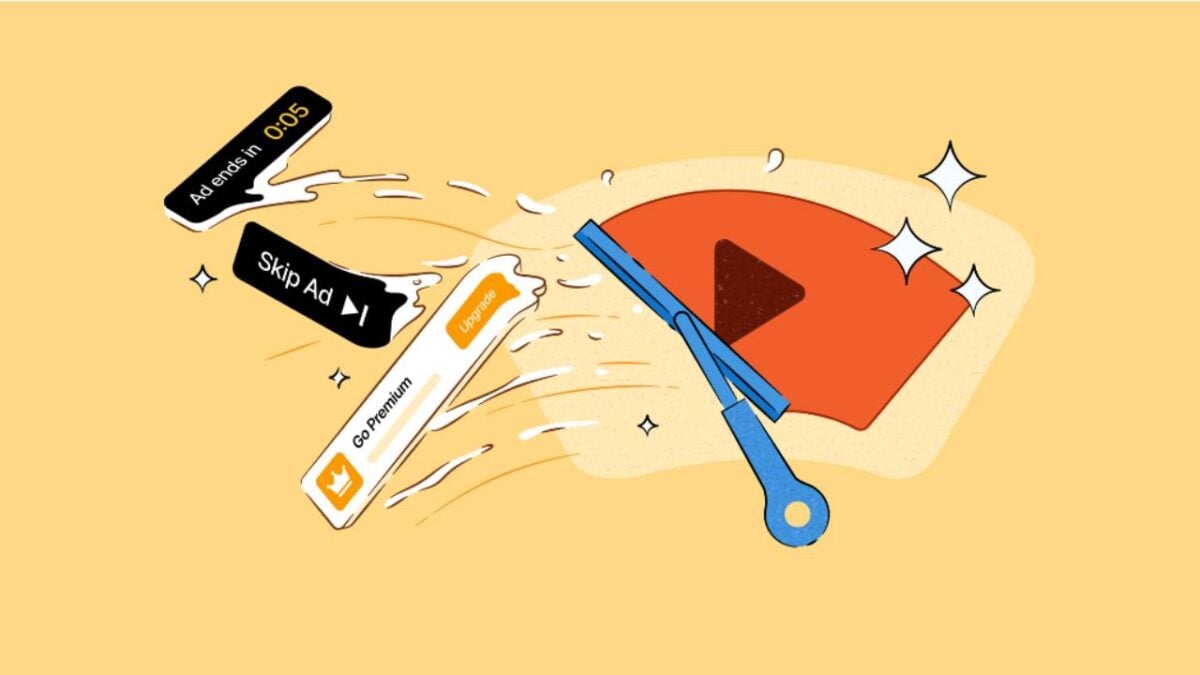
If you watch videos online, you might have noticed fewer interruptions if you use DuckDuckGo’s browser lately. The company has rolled out an update that cuts out most video ads, and that includes the ones that play before and during clips on YouTube.
This new system uses publicly available blocking lists from a community project called uBlockOrigin. The DuckDuckGo team also tweaks the rules occasionally to keep everything running smoothly. But like most things in life, there is a trade-off. You may notice that videos take a little longer to start playing. The company also admits that the tool is not perfect and users might run into small glitches every now and then.

- 11 Google Search alternatives you should try
- Google Browser Game Codes: Play fun, casual games with Google
For most people using DuckDuckGo on a Windows computer, a Mac, or an iPhone, this ad-blocking feature is already active without any setup required. If you are on an Android device, it will be switched on automatically in the near future. But if you do not want to wait, you can go into the browser settings and turn it on right now. And if you change your mind later, you can always turn it off from the same settings menu on any device.
One thing to keep in mind is that this only works inside the DuckDuckGo browser itself. If you are watching videos through the standalone YouTube app on your phone or tablet, this feature will not help get rid of ads for you.