
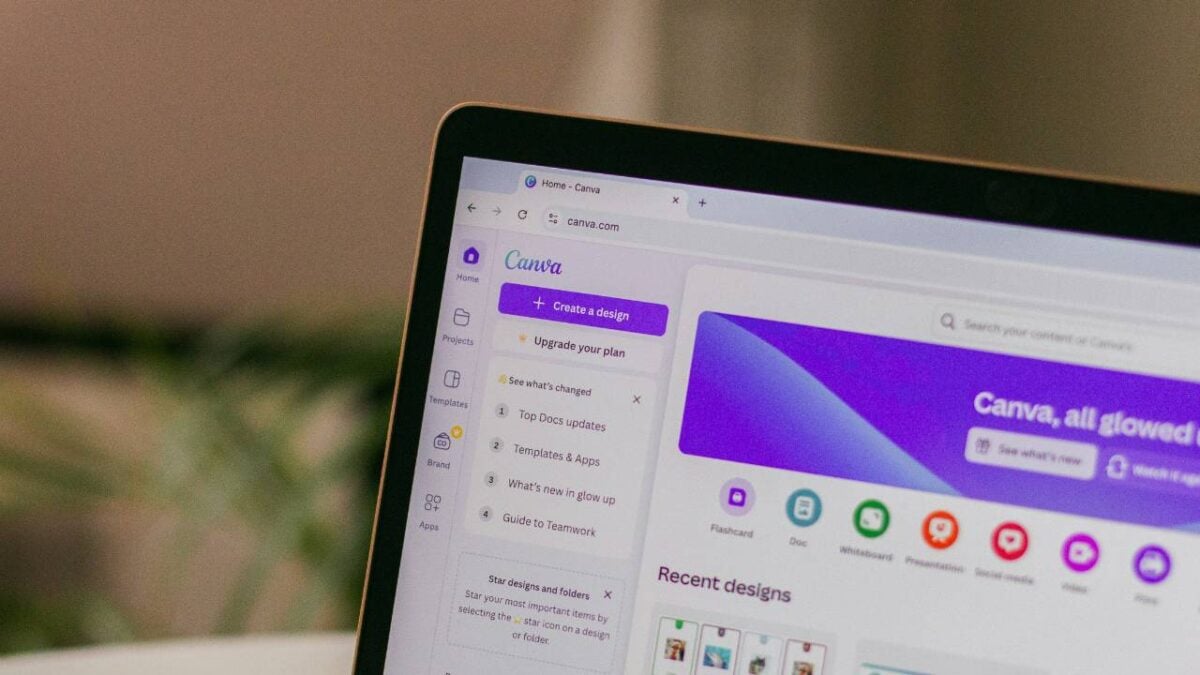

Canva has released a major update to its AI assistant, giving users the ability to create fully editable designs just by typing a text prompt. The new features are designed to automate everyday design tasks and offer multiple design options based on what the user asks for and their personal preferences.
The Canva AI 2.0 update are part of Canva’s larger plan to weave its AI assistant deeper into daily workflows. This applies to individual users, small teams, and large businesses. The move comes as rivals like Adobe and Figma also expand their own AI tools, making the competition in the design software space even tougher.
Cliff Obrecht, Canva’s co-founder and chief operating officer, said that many businesses prefer to do their final editing and publishing inside Canva. “Many small businesses start and end their day in Canva,” he explained. He added that while different platforms are starting to blend together in terms of how people work, the final step of editing still matters the most to users.

Canva’s business segment is growing fast. The company said its enterprise side has grown 100% compared to last year.
The updated AI assistant now works with several outside platforms, including Slack, Gmail, Google Drive, Calendar, and Zoom. This helps the AI understand the user’s context better. There is also a new web research feature that lets the AI search the internet for relevant information to finish tasks.
Canva has added a scheduling feature as well. Users can set up repeatable tasks, and the AI will draft them for review. Other improvements include an update to the AI code generator, which can now import HTML and create spreadsheets based on text prompts.
The company has also made big gains in processing speed and cost. Canva says its Lucid Origin model is now 5 times faster and 30 times cheaper. Its 12V image-to-video model runs 7 times faster and is 17 times cheaper.