
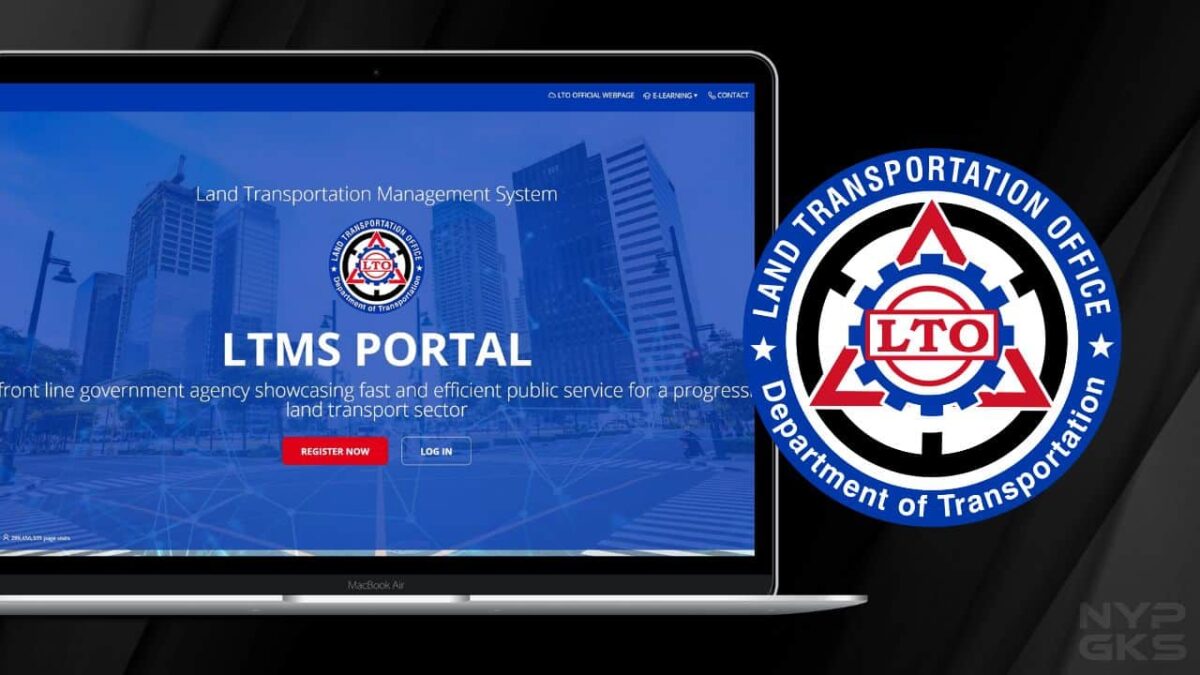
The Land Transportation Office (LTO) has created the Land Transportation Management System (LTMS), an online portal that aims to modernize its system and for motorists to have easier access to registration, transactions, and details on their licenses and registration.
You can use the LTO LTMS Online Portal to book appointments, apply for new or renew driver’s licenses, check if you have violations and demerit points, take theoretical driving courses, and more.
It goes without saying that having an LTMS account is more important than ever if you’re a motorist in the Philippines. In fact, it’s already a requirement for new license and renewal applicants.

So, if you still don’t have one, here’s a complete guide on how you can create an account and use the LTMS online portal.
Table of Contents
- How to create an account with LTO LTMS Online Portal
- How to log in to my LTMS account
- How to complete my LTO LTMS Online Portal profile
How to create an account with LTO LTMS Online Portal
Making an LTMS Portal account is really fast and easy. All you need is a smartphone or computer with internet access. Follow the steps below.
Step 1: Proceed to the LTMS online portal via this link: https://portal.lto.gov.ph. Click Register Now.
Step 2: Read the Terms of Agreement. Tick the checkbox, type the security code, and click Next.
Step 3: Choose “Enroll as an Individual.”
Step 4: Click Yes or No if you already have a Driver’s or Conductor’s License.
If your answer is “Yes”, provide your license number, serial number, and expiry date. If your answer is “No,” click Continue.
Step 5: Answer if you’re a Filipino citizen or not.
Step 6: Key in your personal details.
Step 7: Type your contact information and hit Create Account. Then, complete the registration by verifying your email address. Open the email from LTO, click the provided link, and nominate your 8-character password.
Related
- LIST: LTO violations, fines, and penalties in the Philippines
- How to renew LTO vehicle registration online
- LTO Penalties for Expired Motorcycle Registration: Fees, Schedule, and FAQs
How to log in to my LTMS account
After creating an account (see the guide above if you haven’t yet), go to this link: https://portal.lto.gov.ph. Click login, type your email and password, then click Sign In.
If this is the first time you’re signing in, make sure you complete your profile.
How to complete my LTO LTMS Online Portal profile
Now that you’ve created and accessed your account, it’s time to complete your profile. Follow the steps below to see how.
Step 1: After signing in, click Profile.
Sep 2: Complete all the fields, especially those with red marks. Such details include some personal and medical information, emergency contact, and address. Once done, click Apply Changes.
Do I need to visit an LTO office to create an online portal account?
No. You can set up an LTMS account in the comfort of your home as long as you have a device (smartphone, tablet, PC, etc.) that has a browser and internet connectivity.
But if you’re having problems, you can still visit your nearest LTO office for assistance.
I forgot my LTMS portal password. What should I do?
Did you forget your LTMS password? To fix it, simply proceed to the login page and click “Forgot Password”. After that, type your email or LTO client number. A confirmation will then be sent to your registered email address where you can change your password to a new one.
I’m getting a “Serial number does not match any records on LTMS portal. What to do?
If you get this error when you input your license number, even if you have a valid driver’s license, simply click the “No” button when you’re asked if you have an official driver’s or conductor’s license.
These are the things you should know when creating and setting up an account with the LTMS online portal. If you have further questions, we’ll try to answer them in the comments below.
Great guide! The step-by-step instructions made the process so much easier for me. I appreciate the screenshots too—they really helped clarify things. Thanks for sharing!
Great guide! The step-by-step instructions made it really easy to create my LTO LTMS account. I appreciate the tips on navigating the portal too. Thanks for sharing!
Thank you for the detailed guide! Creating an LTO LTMS account seemed intimidating, but your step-by-step instructions made it so much easier. I appreciated the screenshots too; they really helped clarify the process. Keep up the great work!
Thank you for the detailed guide! I found the step-by-step instructions really helpful. I had some trouble navigating the portal before, but your tips made it much easier to create my LTO LTMS account. Keep up the great work!
Great guide! I found the step-by-step instructions really helpful. I was a bit confused about the verification process, but your tips cleared it up. Looking forward to using the LTO LTMS portal now!
Great guide! I found the step-by-step instructions really helpful, especially the screenshots. Just created my account without any issues. Thanks, NoypiGeeks!
This guide is really helpful! I was unsure about the registration steps, but your clear instructions made it easy to follow. Thanks for breaking it down so well!
This guide was super helpful! I had a few questions about the registration process, but your step-by-step instructions made it easy to understand. Thanks for breaking it down!
This guide clearly explains how to create and use the LTO LTMS Online Portal, making government transport services more accessible and convenient for drivers in the Philippines.