
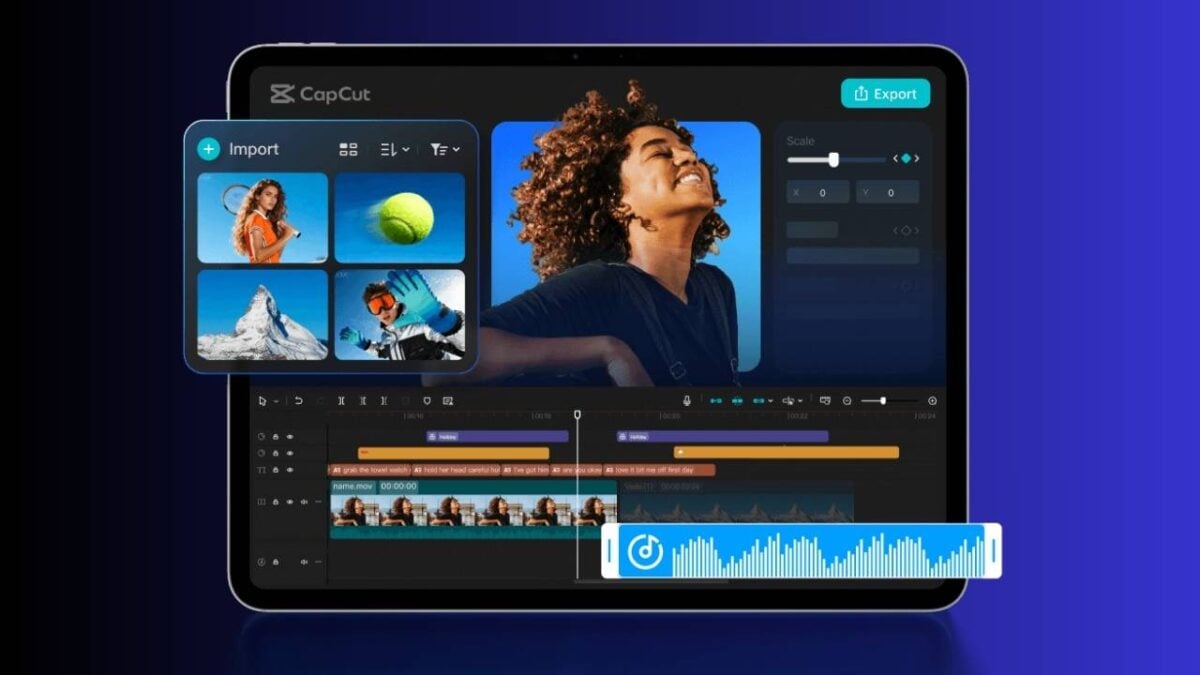
Android tablets are getting a serious upgrade for video creators. A new app called CapCut Pad has launched, and it promises editing tools that feel more like a desktop computer than a phone.
If you’ve made short videos for social media in recent years, you’ve probably heard of CapCut. It has become a popular choice for editing beyond what your phone’s basic gallery app can do. Now, the company is focusing on tablets with a dedicated version.
CapCut Pad is already available on the Google Play Store. The big difference from the regular mobile app is the user interface. It has been expanded to take advantage of the larger tablet screen. This includes more precise timeline editing, chroma key for removing or changing backgrounds, and video stabilization to fix shaky footage.

See also: Xiaomi Pad 8 Pro Review
The company describes the app as bringing “desktop-level editing power to your fingertips.” It highlights features like a multi-track timeline, smooth performance, and a touch-friendly workspace. Other tools include keyframe animation, slow motion effects, and a range of fonts and effects built into the app.
So, is it free? Yes and no. CapCut Pad is technically free to download and use. But some of the more advanced features require a CapCut Pro subscription. Pricing starts at around $10 (~Php600) per month. However, the company does not publish its prices anywhere outside of the app itself. You will have to open the app to see the exact cost for your region.