
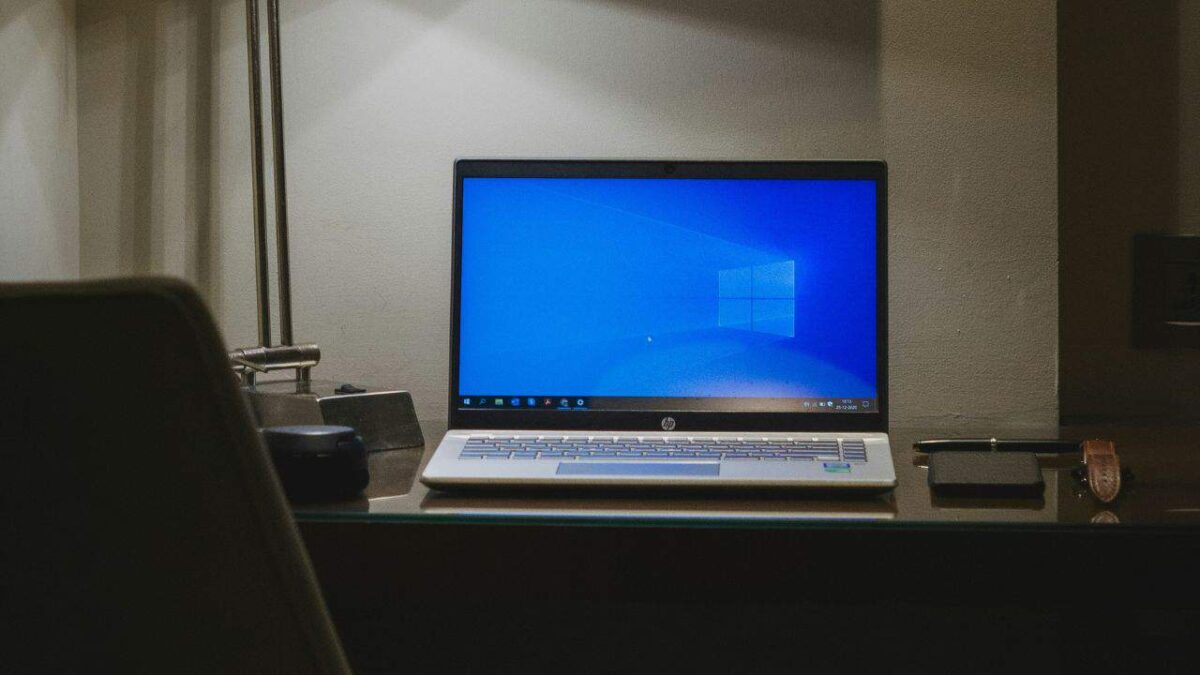

Windows 11 has been around for more than two years now. Still, there are a bunch of PC users who stayed with Windows 10. In fact, the last the previous Windows version still dominates the PC market.
There are a couple of reasons why the majority of people still use Windows 10. I have one PC that’s still not upgraded to the latest Windows 11 and, personally, I chose not to upgrade because that PC is pretty dated and I just see no issues of it still on Windows 10.
Related
- Here’s how you can use your Android phone as a Windows 11 webcam
- 15 nostalgic computer shop games we used to play
Like on much older versions, it seems like Microsoft has a habit of implementing things that annoy PC users, and it appears they are preparing a new one.
In the recent Windows 10 update Release Preview, it’s been hinted that Microsoft will roll out a new annoying pop-up that will encourage users to switch to their Microsoft account from their local account.
This can be very irritating, especially for users who care a big deal about privacy and don’t want to store and back up any of their data by logging in to a Microsoft online account.
Such hassle is prominent on Windows 11 as Microsoft made it hard for users to log in using an offline account. Thankfully, it’s still relatively easy on Windows 10, and if you’re annoyed by the said pop-up, here’s how you can disable it.
How to turn off login using Microsoft Account pop-up on Windows 10
- Go to Settings.
- Click Privacy.
- Proceed to the General section.
- Disable the “Show me suggested content in the Settings app” option.
Alternatively, users can simply click the close button next to the “Sign in now” button on the Microsoft accounts banner.
I do not know whether it’s just me or if perhaps everyone else encountering problems with your blog.
It appears as though some of the text in your content are running
off the screen. Can someone else please comment and let me know if this is happening to them as well?
This may be a problem with my internet browser because I’ve had this happen before.
Thanks
I go to see daily some sites and blogs to read posts,
except this blog offers feature based posts.