
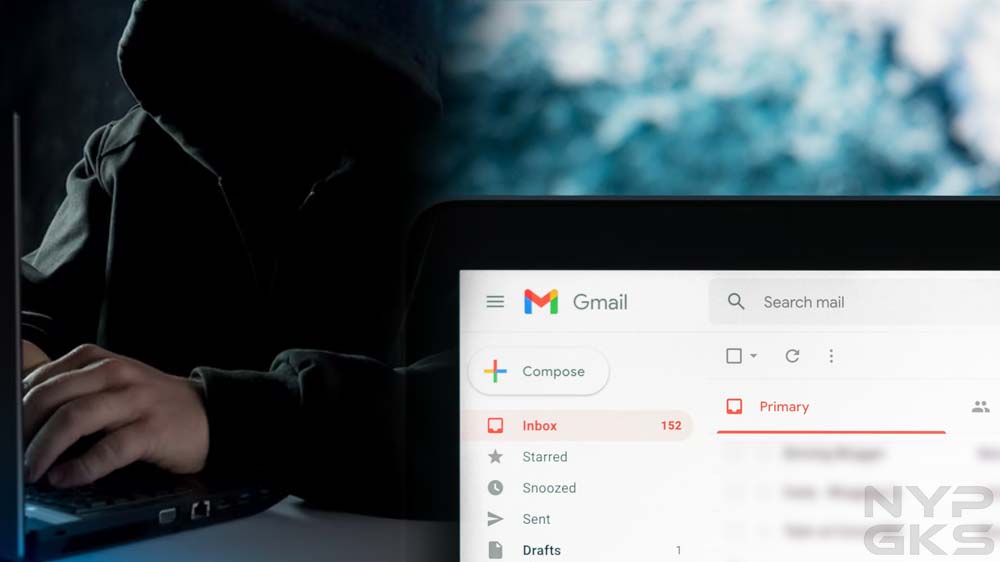
One random Tuesday, I noticed an email with a subject line that said, “Do you do any of these embarrassing things?” The first thing that came to my mind was that this was spam. Gmail did put it in my spam folder. Normally, I would’ve simply deleted the message and moved on, but there was one thing that really concerned me: the email was sent from my own email address. Have I been hacked?
Email Spoofing
After digging up some information online, I learned this message was sent using a spamming technique called email spoofing. Through some software, spammers and fraudsters can forge email headers and make an email client application display any sender address in the “From” field they want recipients to see. A closer inspection of the email header usually exposes the forgery.
Your connections may also receive spoofed messages that appear to be sent by you. Fraudsters know that people tend to be less suspicious of messages that come from friends, family, and other known contacts, which means they’re more likely to click on potentially malicious links and attachments due to a false sense of trust.
Signs That Indicate Your Email Account Was Hacked
With email spoofing, scammers can make it appear they sent an email using your own email address, but that doesn’t mean they’ve gained access to it. In my case, the fraudster claimed my device was hacked. They also claimed they obtained my personal information, which they would immediately delete immediately if I pay them via Bitcoin. It all seemed intimidating, but I didn’t give in to their demands.
Instead, I went through the checklist below to see if my email account hadn’t been accessed without authorization by a third party. Should you feel your email account was hacked, here’s what you can check to confirm it:

1. Can you no longer access your account? Hackers usually change your password to lock you out of your account.
2. Is there suspicious activity in the login history? See if your email client has alerted you of an unusual sign-in on a new device or a different IP address. Popular services such as Gmail and Yahoo! Mail record your account login activity for your reference.
3. Do you see changes to your email client’s settings? Look for any changes you didn’t make. For instance, see if your filters have been changed, if automatic forwarding has been set up to forward your messages to an unknown destination, or if your username or other account information has changed.
4. Are there missing or unexpected messages? Your account may show activity you didn’t make. Your sent folder may have messages you didn’t write. Your inbox may have new messages that appear to have been read already. Messages that used to be in your inbox may be displaced or deleted.
5. Are there new apps or services connected to your account? Hackers may use your email account to subscribe to online services and apps.
How Fraudsters Learn Your Email Address
If, like in my case, you received a spoofed message that supposedly came from your own email address, you might be wondering how fraudsters got hold of your email address in the first place. Perhaps your email address is displayed publicly and indexed by search engines. Or your email address is exposed by a data breach. Services you subscribed to may have sold your email address to their partners without your permission.
These days, it’s easy for your email address to get out and end up in the hands of hackers. The best you can do is to protect your email account and ensure it’s not accessed by anyone without your permission. Use a strong password, enable two-factor authentication, and regularly monitor for suspicious activities.
Cakhiatv – Xem Bóng Đá Full HD Với Loạt Trận Cầu Đỉnh Cao
Terrific post but I was wondering if you could write a litte more on this subject?
I’d be very grateful if you could elaborate a little bit more.
Thanks!
Hi, i read your blog occasionally and i own a similar one and i was just
curious if you get a lot of spam remarks? If so how
do you reduce it, any plugin or anything you can recommend?
I get so much lately it’s driving me insane so any help is very much appreciated.
I don’t know if it’s just me or if everybody else experiencing problems with your site.
It appears as though some of the text on your posts are running off the screen. Can someone else
please comment and let me know if this is happening to them as well?
This could be a issue with my web browser because I’ve had this happen before.
Cheers
I seriously love your website.. Very nice colors & theme.
Did you make this amazing site yourself? Please reply back
as I’m looking to create my own personal website and want to know where you got this from or just what the
theme is called. Kudos!
Wow! This blog looks exactly like my old one! It’s on a completely different subject but it
has pretty much the same layout and design. Wonderful choice of colors!
My spouse and I absolutely love your blog and find a lot of your post’s to
be what precisely I’m looking for. Would you offer guest writers to write content for yourself?
I wouldn’t mind writing a post or elaborating on some of
the subjects you write about here. Again, awesome
weblog!
Yes! Finally someone writes about betflix.
Thanks for your personal marvelous posting!
I quite enjoyed reading it, you will be a great author.I will
remember to bookmark your blog and may come back in the future.
I want to encourage you continue your great job, have a nice weekend!
I always used to read post in news papers
but now as I am a user of web therefore from now I am using net for articles, thanks to web.