
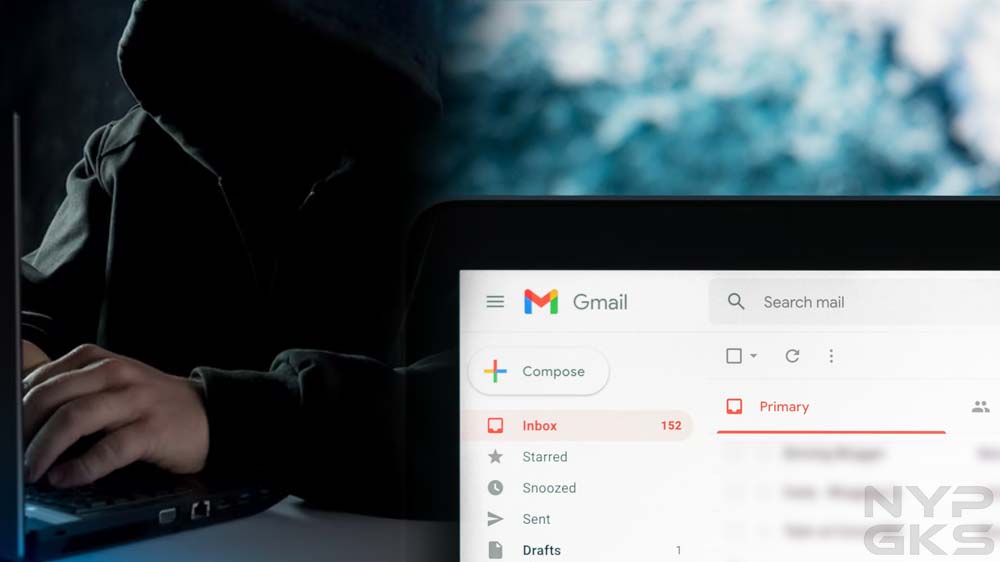
One random Tuesday, I noticed an email with a subject line that said, “Do you do any of these embarrassing things?” The first thing that came to my mind was that this was spam. Gmail did put it in my spam folder. Normally, I would’ve simply deleted the message and moved on, but there was one thing that really concerned me: the email was sent from my own email address. Have I been hacked?
Email Spoofing
After digging up some information online, I learned this message was sent using a spamming technique called email spoofing. Through some software, spammers and fraudsters can forge email headers and make an email client application display any sender address in the “From” field they want recipients to see. A closer inspection of the email header usually exposes the forgery.
Your connections may also receive spoofed messages that appear to be sent by you. Fraudsters know that people tend to be less suspicious of messages that come from friends, family, and other known contacts, which means they’re more likely to click on potentially malicious links and attachments due to a false sense of trust.
Signs That Indicate Your Email Account Was Hacked
With email spoofing, scammers can make it appear they sent an email using your own email address, but that doesn’t mean they’ve gained access to it. In my case, the fraudster claimed my device was hacked. They also claimed they obtained my personal information, which they would immediately delete immediately if I pay them via Bitcoin. It all seemed intimidating, but I didn’t give in to their demands.
Instead, I went through the checklist below to see if my email account hadn’t been accessed without authorization by a third party. Should you feel your email account was hacked, here’s what you can check to confirm it:

1. Can you no longer access your account? Hackers usually change your password to lock you out of your account.
2. Is there suspicious activity in the login history? See if your email client has alerted you of an unusual sign-in on a new device or a different IP address. Popular services such as Gmail and Yahoo! Mail record your account login activity for your reference.
3. Do you see changes to your email client’s settings? Look for any changes you didn’t make. For instance, see if your filters have been changed, if automatic forwarding has been set up to forward your messages to an unknown destination, or if your username or other account information has changed.
4. Are there missing or unexpected messages? Your account may show activity you didn’t make. Your sent folder may have messages you didn’t write. Your inbox may have new messages that appear to have been read already. Messages that used to be in your inbox may be displaced or deleted.
5. Are there new apps or services connected to your account? Hackers may use your email account to subscribe to online services and apps.
How Fraudsters Learn Your Email Address
If, like in my case, you received a spoofed message that supposedly came from your own email address, you might be wondering how fraudsters got hold of your email address in the first place. Perhaps your email address is displayed publicly and indexed by search engines. Or your email address is exposed by a data breach. Services you subscribed to may have sold your email address to their partners without your permission.
These days, it’s easy for your email address to get out and end up in the hands of hackers. The best you can do is to protect your email account and ensure it’s not accessed by anyone without your permission. Use a strong password, enable two-factor authentication, and regularly monitor for suspicious activities.
Link exchange is nothing else except it is just placing the other person’s website link on your page at suitable place and other
person will also do similar for you.
I got this web site from my pal who informed me concerning this web page
and at the moment this time I am visiting this website and reading very informative articles at this place.
Oh my goodness! Amazing article dude! Thanks, However I am experiencing issues with your RSS.
I don’t know why I cannot subscribe to it. Is there
anyone else getting identical RSS problems? Anyone who knows
the solution will you kindly respond? Thanks!!
Write more, thats all I have to say. Literally, it seems as though you relied
on the video to make your point. You clearly know what youre talking about, why waste your intelligence on just posting videos to your blog when you could be giving us something enlightening to read?
My family members every time say that I am wasting my time here at net,
but I know I am getting know-how every day by reading such good posts.
Thank you, I’ve just been looking for info about this subject
for a long time and yours is the best I have discovered so far.
But, what in regards to the conclusion? Are you positive concerning the supply?
Truly no matter if someone doesn’t understand afterward
its up to other viewers that they will assist, so here it happens.
First of all I want to say fantastic blog! I had
a quick question which I’d like to ask if you do not
mind. I was interested to know how you center yourself and clear your head prior to writing.
I’ve had a hard time clearing my mind in getting my thoughts out there.
I do enjoy writing but it just seems like the first 10 to 15 minutes are usually wasted simply just trying to figure out how to
begin. Any ideas or tips? Thank you!
I just couldn’t leave your website before suggesting that I really enjoyed
the standard information an individual provide to your visitors?
Is gonna be back ceaselessly to check out new posts
Hi! I simply wish to give you a big thumbs up for your excellent information you’ve got here on this post.
I am coming back to your blog for more soon.