
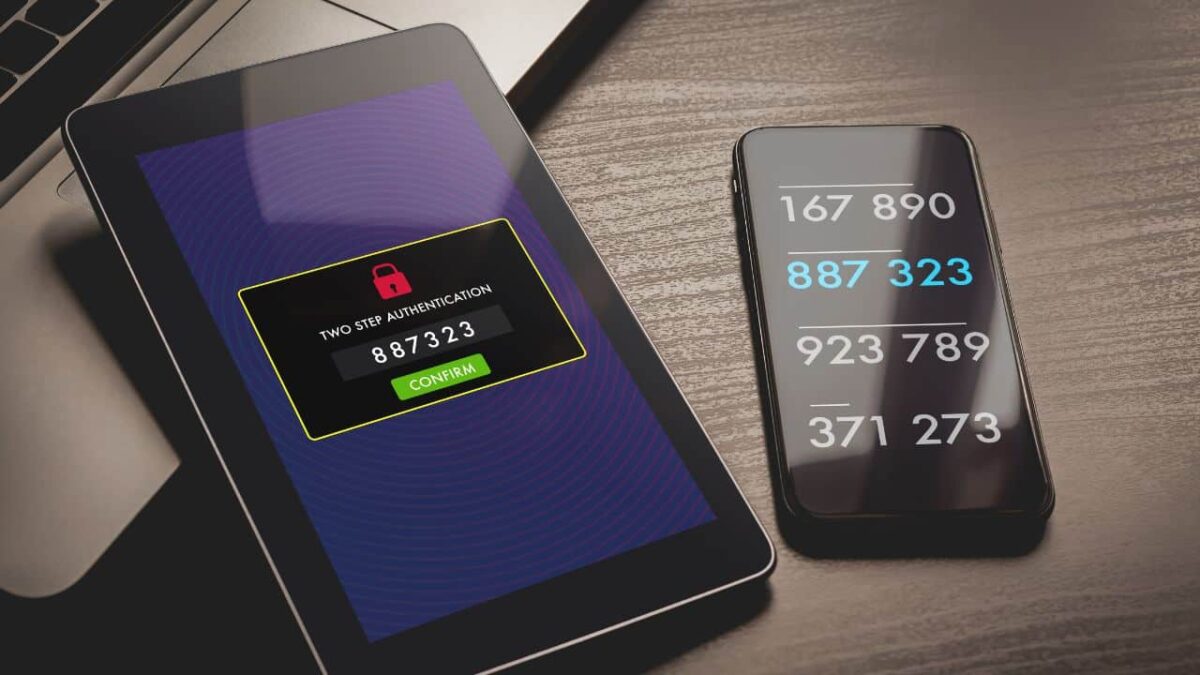
Receiving an unrequested verification code can be a cause for concern as it may indicate that someone is trying to gain unauthorized access to your accounts. While it is important to exercise caution, not all texts containing verification codes are necessarily fraudulent.
To help you navigate this issue, we have compiled a comprehensive guide that will assist you in determining what steps to take when you receive an unexpected verification code.
Always remain vigilant
Getting an unsolicited verification code should serve as a warning sign to exercise increased caution. It implies that someone may be attempting to access your account, potentially compromising your username and password. Therefore, it is crucial to log into your account and change your password immediately.
Always create a strong and unique password to enhance your account security. Make sure to use effective password management practices to easily remember and maintain robust passwords, or consider using a password manager.
Beware of potential data breach
In addition to fraudulent attempts, an unsolicited verification code could indicate that your account details have been compromised due to a data breach. Unfortunately, data breaches are common occurrences these days, with cybercriminals regularly targeting organizations that possess private user information.
It is advisable to periodically check cybersecurity databases where you can enter your email address or phone number to determine whether your personal details have been exposed to the public. Chrome also features a similar feature where it alerts you if your password has appeared in a data breach somewhere.

- Is your password exposed in a data breach? Here’s what you should do
- How to reveal passwords hidden behind asterisks and dots
Check account logins and devices
For accounts that track logins or connected devices, such as streaming services, it is prudent to review your account for any unusual activity if you receive an unexpected verification code. Neglecting to do so could result in unauthorized access to your account.
Suspicious banking alerts? Act fast
Certain accounts hold greater significance than others, with bank accounts being particularly critical. If you receive a verification code from your bank, it is crucial to contact them immediately to verify if any unauthorized access and charge has occurred.
Promptly addressing potential financial issues can help prevent drained bank accounts, compromised credit scores, and identity theft. Always ensure that you reach out to your bank through their official contact information and avoid direct replies to suspicious text messages.
SMS with malware
While a dubious verification code may indicate an immediate threat, it is essential to consider that cybercriminals may also use this tactic to deceive and manipulate individuals. Smishing and text messaging scams leverage this strategy by sending texts with verification codes or suspicious links, intending to infect devices with malware.
To safeguard yourself, exercise caution and refrain from clicking on unfamiliar links. Instead, verify the legitimacy of the message by contacting the official organization directly. You may also ignore or block the sender immediately.
Suspicious sign-ups? It could be identify theft
Receiving unexpected recovery codes could also indicate that someone has used your email address to create account in platforms without your consent. This may occur due to individuals using random contact information when signing up for new accounts or due to children’s lack of digital education.
If you consistently receive verification codes for accounts you did not create, promptly change the password and deactivate the account to avoid ongoing notifications.
Remaining vigilant and taking appropriate measures when receiving an unrequested verification code is crucial to protect your accounts and personal information. By following the recommended precautions and being aware of potential scams or unauthorized account activity, you can mitigate the risk of falling victim to cybercriminals and safeguard your digital presence. Always stay informed and proactive in protecting your online security.
Hey there this is kinda of off topic but I was wanting to
know if blogs use WYSIWYG editors or if you have to manually code with HTML.
I’m starting a blog soon but have no coding expertise so I
wanted to get advice from someone with experience.
Any help would be enormously appreciated!
I visited many blogs however the audio feature for
audio songs current at this web page is in fact fabulous.
Everything is very open with a very clear clarification of the challenges.
It was truly informative. Your site is extremely helpful.
Thanks for sharing!
Hello my friend! I want to say that this post is
awesome, great written and come with almost all vital infos.
I would like to peer more posts like this .
Paragraph writing is also a fun, if you be acquainted with after that
you can write or else it is complex to write.
May I simply just say what a comfort to discover an individual who genuinely knows what they’re
discussing on the net. You actually know how to bring an issue
to light and make it important. A lot more people should look at this and understand
this side of your story. I was surprised that you are not more popular given that you
certainly possess the gift.
Oh my goodness! Incredible article dude! Thanks, However
I am going through troubles with your RSS. I don’t understand
the reason why I cannot join it. Is there anybody else having identical RSS issues?
Anybody who knows the solution will you kindly
respond? Thanx!!
Hello everyone, it’s my first pay a quick visit at this web
site, and piece of writing is truly fruitful in support of me,
keep up posting these content.
I was suggested this website by means of my cousin. I’m
now not sure whether or not this put up is written by
way of him as no one else understand such precise approximately my difficulty.
You’re incredible! Thanks!
I was recommended this web site by means of my cousin. I’m no longer positive whether or not
this submit is written by way of him as no one else recognize such designated approximately
my difficulty. You’re amazing! Thank you!