
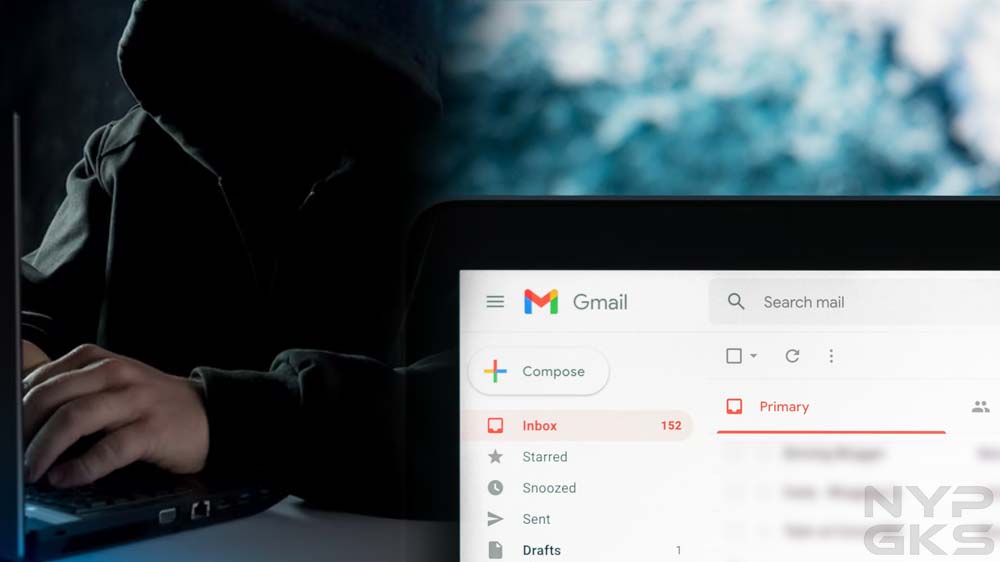
One random Tuesday, I noticed an email with a subject line that said, “Do you do any of these embarrassing things?” The first thing that came to my mind was that this was spam. Gmail did put it in my spam folder. Normally, I would’ve simply deleted the message and moved on, but there was one thing that really concerned me: the email was sent from my own email address. Have I been hacked?
Email Spoofing
After digging up some information online, I learned this message was sent using a spamming technique called email spoofing. Through some software, spammers and fraudsters can forge email headers and make an email client application display any sender address in the “From” field they want recipients to see. A closer inspection of the email header usually exposes the forgery.
Your connections may also receive spoofed messages that appear to be sent by you. Fraudsters know that people tend to be less suspicious of messages that come from friends, family, and other known contacts, which means they’re more likely to click on potentially malicious links and attachments due to a false sense of trust.
Signs That Indicate Your Email Account Was Hacked
With email spoofing, scammers can make it appear they sent an email using your own email address, but that doesn’t mean they’ve gained access to it. In my case, the fraudster claimed my device was hacked. They also claimed they obtained my personal information, which they would immediately delete immediately if I pay them via Bitcoin. It all seemed intimidating, but I didn’t give in to their demands.
Instead, I went through the checklist below to see if my email account hadn’t been accessed without authorization by a third party. Should you feel your email account was hacked, here’s what you can check to confirm it:

1. Can you no longer access your account? Hackers usually change your password to lock you out of your account.
2. Is there suspicious activity in the login history? See if your email client has alerted you of an unusual sign-in on a new device or a different IP address. Popular services such as Gmail and Yahoo! Mail record your account login activity for your reference.
3. Do you see changes to your email client’s settings? Look for any changes you didn’t make. For instance, see if your filters have been changed, if automatic forwarding has been set up to forward your messages to an unknown destination, or if your username or other account information has changed.
4. Are there missing or unexpected messages? Your account may show activity you didn’t make. Your sent folder may have messages you didn’t write. Your inbox may have new messages that appear to have been read already. Messages that used to be in your inbox may be displaced or deleted.
5. Are there new apps or services connected to your account? Hackers may use your email account to subscribe to online services and apps.
How Fraudsters Learn Your Email Address
If, like in my case, you received a spoofed message that supposedly came from your own email address, you might be wondering how fraudsters got hold of your email address in the first place. Perhaps your email address is displayed publicly and indexed by search engines. Or your email address is exposed by a data breach. Services you subscribed to may have sold your email address to their partners without your permission.
These days, it’s easy for your email address to get out and end up in the hands of hackers. The best you can do is to protect your email account and ensure it’s not accessed by anyone without your permission. Use a strong password, enable two-factor authentication, and regularly monitor for suspicious activities.
For the reason that the admin of this web
page is working, no doubt very shortly it will be renowned, due to its quality contents.
Fantastic post but I was wondering if you could write a litte more on this topic?
I’d be very thankful if you could elaborate a little bit more.
Many thanks!
I’m extremely pleased to find this web site. I want to to thank you for your time just for this
wonderful read!! I definitely really liked every
little bit of it and I have you book-marked to look at new information in your
website.
简单定义:Cryptify Hub=民间Web3社群+工具导航站。它不是一个有课程体系、有师资力量的真正学院,而是一个社群型品牌——由一批Web3爱好者自发组织,以“学院”为品牌标签,运营着自己的社群(如Discord)和工具链接库。社群成员可以互相交流、分享信息,但所有内容仅供参考。民间社群的属性意味着:信息质量参差不齐,需自行甄别。
Hello there! Would you mind if I share your
blog with my facebook group? There’s a lot of folks that I think would really enjoy your content.
Please let me know. Thanks
Your style is very unique compared to other folks I have read stuff from.
Thanks for posting when you’ve got the opportunity, Guess I will just bookmark this web site.
Thanks very interesting blog!
Very rapidly this web page will be famous among all blogging people, due
to it’s pleasant content
You really make it seem so easy along with your presentation but I in finding this matter to be
actually something that I think I’d by no means understand.
It seems too complicated and extremely huge for me. I am having
a look ahead for your subsequent post, I will attempt to get the grasp of it!
Thanks for sharing your thoughts about chatruletka 18 porn.
Regards